

This post may contain affiliate links. If you use these links to buy something we may earn a commission at no extra cost to you. Thank you for your support!
A client lands on your portfolio with one question in mind: “Can this person help me get the result I need?” The best portfolio websites freelancers build answer that question fast. They do not try to impress everyone with fancy animations, a long life story, or 30 mediocre samples. They make the next yes feel easy.
Your portfolio is not just an online gallery. It is a sales asset that works while you are delivering client work, spending time with family, or building your side gig after your day job. Whether you are a copywriter, VA, designer, video editor, ads specialist, or web developer, the right setup can help you earn your dream income with better-fit clients.
What makes a freelance portfolio website worth using?
The best platform is not automatically the one with the most templates. It is the one that lets a prospective client understand your offer, see proof, and contact you without friction.
For a newer freelancer, this may mean launching a clean one-page site within a weekend. For an established consultant or agency owner, it may mean publishing detailed case studies, adding lead capture forms, and creating service pages that bring in search traffic. Both approaches work because they match the stage of the business.
A strong portfolio site should do four jobs. It should clearly state who you help, display relevant work or outcomes, establish trust, and give visitors one obvious next step. That could be booking a call, filling out an inquiry form, or requesting a quote.
Best portfolio websites freelancers can use
Here is a practical comparison of popular options. Pricing and features change often, so treat cost as a general positioning guide rather than a fixed number.
| Platform | Best for | Main advantage | Trade-off | Best stage |
| Carrd | VAs, writers, consultants | Fast, affordable one-page sites | Limited for large case study libraries | Beginner to intermediate |
| Squarespace | Creatives and service providers | Polished templates with little setup | Less design flexibility than WordPress | Beginner to intermediate |
| Wix | Freelancers who want visual control | Easy drag-and-drop customization | Can become cluttered if overdesigned | Beginner to intermediate |
| WordPress | SEO-focused freelancers and agencies | Ownership, flexibility, content depth | More setup and maintenance | Intermediate to advanced |
| Webflow | Designers and premium studios | High-end visual control | Learning curve is steeper | Advanced |
| Notion | Freelancers validating an offer | Fastest way to publish proof and process | Can feel less premium for some clients | Beginner |
| Behance or Dribbble | Graphic, UX, and visual designers | Built-in discovery and visual community | You do not fully control the client journey | Any stage |
| Contra | Independent professionals seeking work | Portfolio plus network opportunities | Platform profile is not a full brand home | Any stage |
Carrd: the lean choice for service freelancers
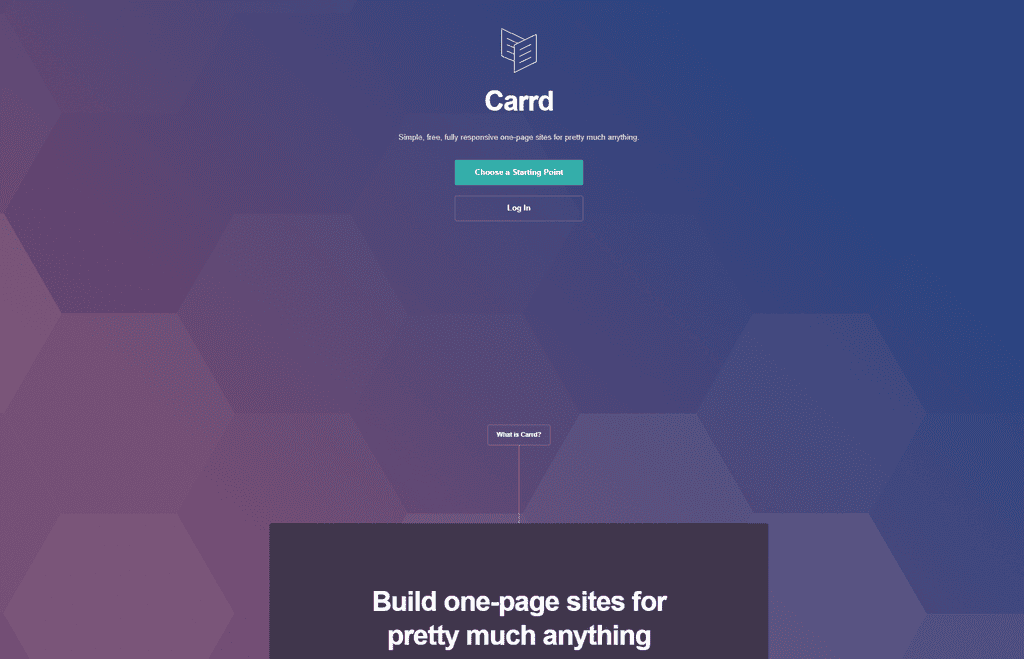
Carrd is one of the smartest choices if your priority is getting a professional presence up quickly. A single page can include your headline, services, proof, work samples, testimonials, and contact form. That is enough to start pitching and sharing a credible link on LinkedIn, proposals, and job applications.
It works especially well for virtual assistants, email marketers, copywriters, social media managers, and consultants. The limitation is scale. Once you have multiple services, niche pages, and detailed case studies, you may want a platform with more room to grow.
Squarespace and Wix: polished without the technical headache
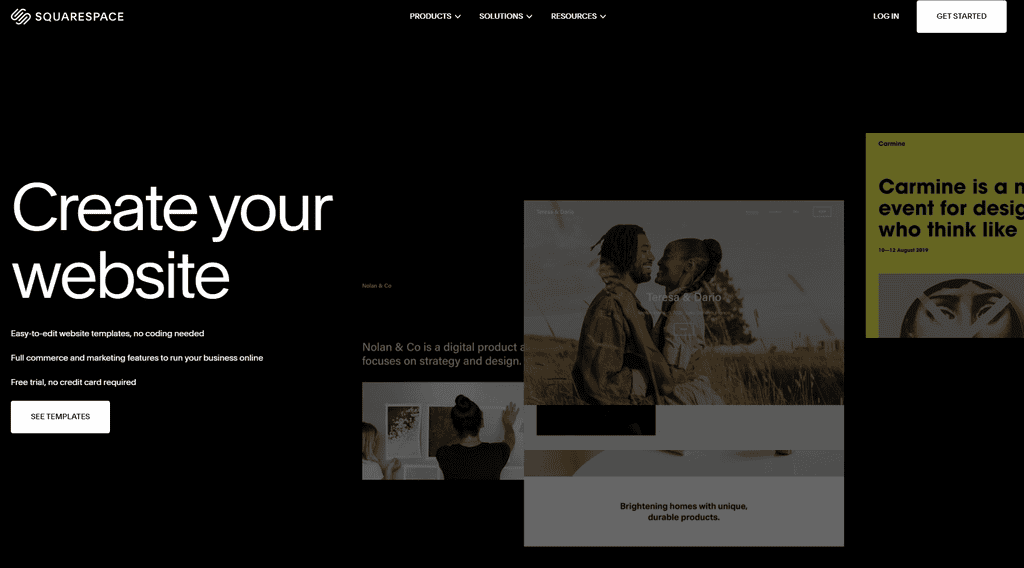
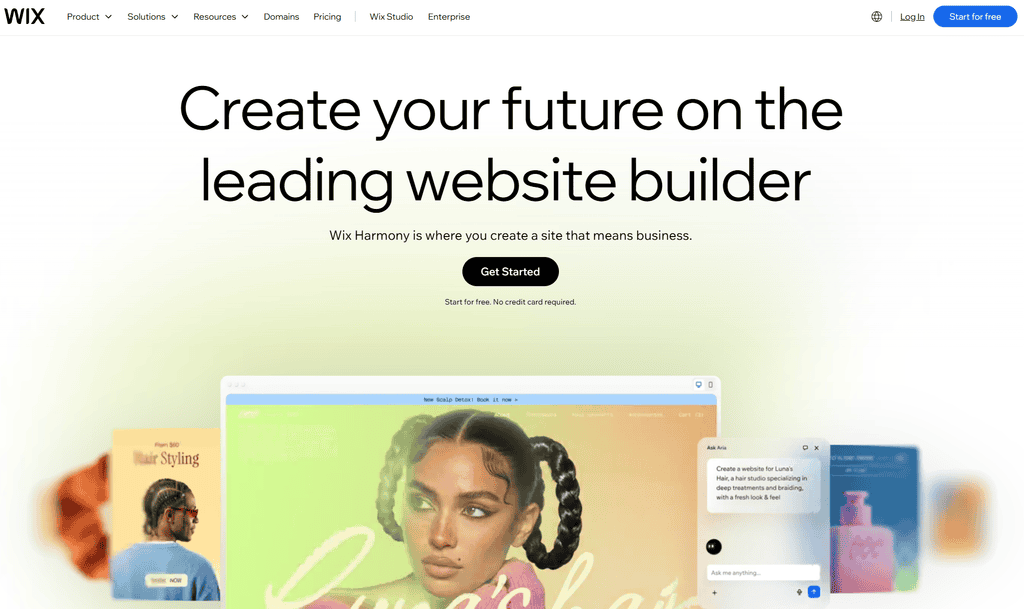
Squarespace and Wix are strong choices for freelancers who want a site that feels established without hiring a developer. Squarespace tends to suit photographers, designers, coaches, and creatives who want clean, editorial-style layouts. Wix gives you more freedom to move elements around and customize each page.
The biggest risk with either platform is adding too much. Your portfolio does not need five different fonts, auto-playing video, or a homepage that makes visitors hunt for your services. Choose one strong template, keep the navigation simple, and make your call to action visible near the top of every key page.
WordPress and Webflow: built for growth
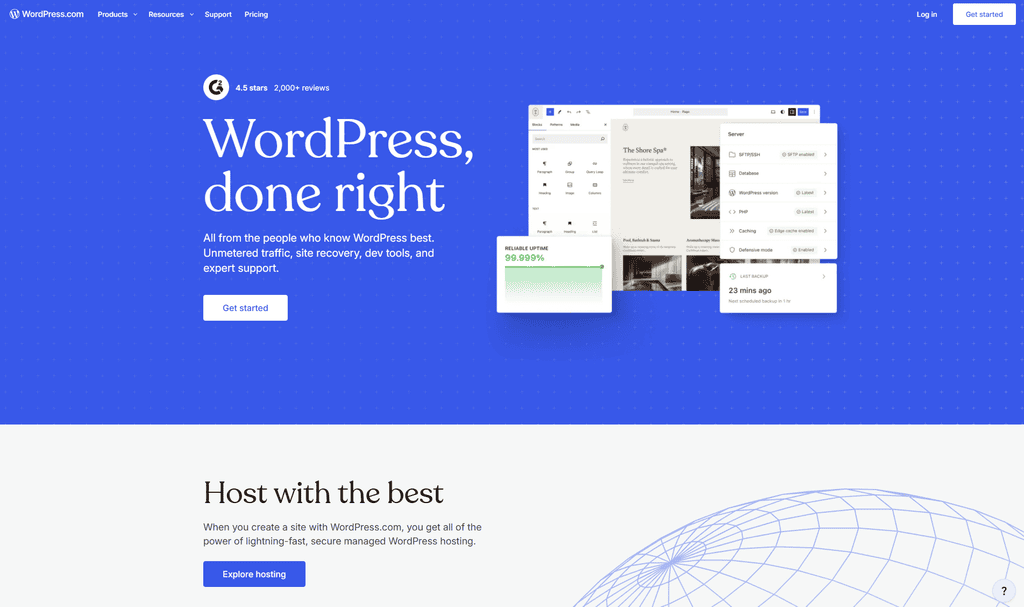
WordPress is a better long-term choice when content marketing, search visibility, or advanced integrations are part of your growth plan. A freelance SEO specialist, web designer, or marketing agency can create service pages around specific offers and publish case studies that attract qualified organic traffic over time. If you go the WordPress route, fast managed hosting such as BigScoots helps your portfolio load quickly, which matters when a prospect is deciding in seconds.
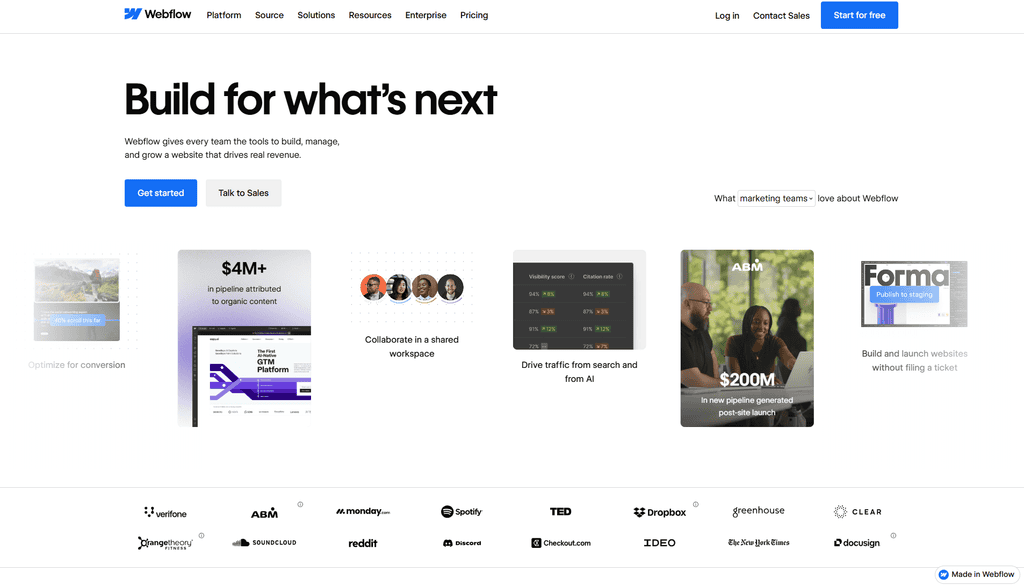
Webflow is popular with designers who want more control over layout and interaction. It can produce a premium result, but it is not the fastest route if you are still refining your offer. Do not spend three weeks perfecting a website when you could be having sales conversations and learning what prospects actually care about.
Notion, Behance, Dribbble, and Contra: useful, but not your whole strategy
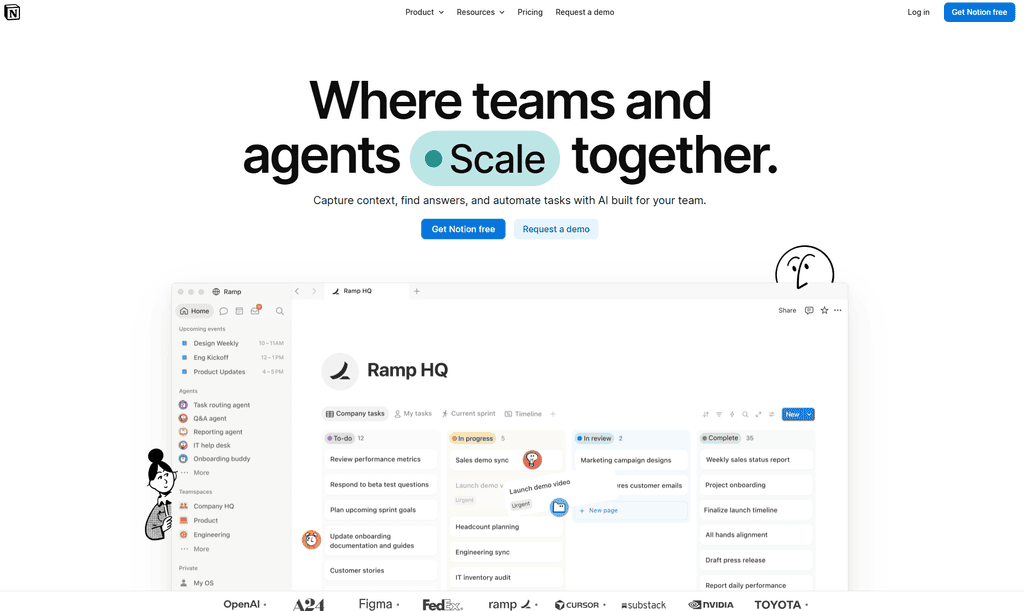
Notion makes an excellent no-fuss portfolio for a freelancer in action mode. You can organize examples, testimonials, packages, and process documents with minimal effort. It is particularly handy if you are applying for roles or pitching your first few clients.
Behance and Dribbble can put visual work in front of a design-focused audience. Contra can add network visibility and make it easier to present your independent-professional profile. These platforms are valuable distribution channels, but they should not be the only place your business lives. Platform algorithms, policies, and visibility can change. Your own website gives you more control over the message, inquiry process, and relationship with leads.
Choose based on your service, not what looks popular
A great freelance portfolio is specific. A web designer needs before-and-after visuals, project goals, mobile views, and a clear explanation of how the site supports the client’s business. A copywriter needs strategic samples and performance context, such as conversion lifts, open rates, leads, or revenue where permission allows.
A virtual assistant may have fewer visual samples, but can still build an effective portfolio. Show the systems you organize, the tasks you manage, the tools you use, and the hours or headaches you save clients. An ads manager can share campaign strategy, anonymized dashboards, creative examples, and the cost-per-lead or return-on-ad-spend improvements achieved.
When client work is confidential, do not invent results or share private information. Create a redacted sample, request permission for a limited case study, or build a spec project around a realistic business scenario. Prospects want evidence of your thinking, not a breach of trust. That kind of honest, service-specific proof is what separates the best portfolio websites freelancers can build from ones that simply look good.
Pages that turn a portfolio into a client-getting asset
You do not need a huge website. Start with a homepage, services page, portfolio or case studies page, about page, and contact page. If you only have time for one page, combine these sections into a logical scroll.
Your homepage headline should say what you do and who it is for. “Helping wellness brands grow on Instagram” is more useful than “Creative digital solutions.” Follow it with a short statement about the transformation you provide.
Your services page should explain deliverables, ideal clients, process, and starting investment if you are comfortable sharing it. A tool like Canva Pro makes it easy to turn your process into a clean one-page graphic or downloadable services PDF that sits neatly on this page. Publishing a starting price can filter out poor-fit inquiries, though it may not suit custom, high-ticket projects. If your scope varies widely, invite leads to request a tailored quote instead.
Case studies deserve more attention than a gallery of screenshots. Use a simple structure: the client’s goal, the problem, your approach, the work delivered, and the outcome. Even a modest result is persuasive when it is clear and credible.
Your about page is not an autobiography. It is a chance to build connection and explain why your experience, values, or working style make you a good partner. Add a friendly photo if it fits your brand. People hire people, especially when the service requires trust and close collaboration.
Make your portfolio easier to say yes to

Every page should guide visitors toward one primary action. If you want discovery calls, use “Book a call” consistently. If you prefer email inquiries, use “Tell me about your project.” Too many competing buttons create hesitation.
Add testimonials that describe the experience and result, not just “Great work!” A short quote about responsiveness, strategic thinking, reliability, or measurable impact carries more weight. If you have no testimonials yet, ask past colleagues, volunteer clients, or early customers for an honest recommendation based on work they have seen.
Also check your portfolio on a phone. Many prospects will view it between meetings or while scrolling LinkedIn. Small text, slow-loading videos, and hard-to-find contact details can cost you an inquiry before your work gets a fair look.
Build the version you need now
Your first portfolio does not need to represent every skill you might offer one day. It needs to support the service you want to sell next. Pick a platform that fits your current season, publish three to five relevant proof points, and send the link where clients can see it.
As your skills, results, and rates grow, your website can grow too. That is the beauty of a freelance business: you are building an asset you own, one client win and one stronger case study at a time. Whichever platform you pick, the best portfolio websites freelancers rely on are the ones they keep updating with fresh proof.