

This post may contain affiliate links. If you use these links to buy something we may earn a commission at no extra cost to you. Thank you for your support!
A client asking for faster turnaround does not automatically mean you need to work longer nights. The right AI tools for freelancers 2027 can help you research, draft, organize, edit, and follow up faster – while you stay in charge of the strategy and final quality.
That last part matters. Clients do not pay premium rates for a button click. They pay for your judgment, your ability to understand their business, and your capacity to turn a messy goal into a useful result. AI can reduce the time spent on repetitive production work. It cannot replace the trust you build, the questions you ask, or the decisions that make a deliverable perform.
For freelancers, the best AI setup is not a massive stack of shiny subscriptions. It is a small set of tools that supports the services you already sell or want to package.
The 12 AI tools for freelancers 2027 to know
Here is a practical view of where each tool fits. You do not need all 12. Choose one or two tools around your biggest time drain first, then measure whether they improve your turnaround time, quality, or profit margin. If your biggest time drain is specifically long-form blog or SEO content, Koala AI is worth a look as a more content-specific alternative to a general chatbot.
| Tool | Best for | Useful freelance application | Watch-out |
| ChatGPT | Drafting and ideation | Content outlines, proposal drafts, campaign angles | Can sound generic without strong inputs |
| Claude | Long documents and analysis | Summarizing research, reviewing briefs, refining reports | Always verify source details |
| Perplexity | Research support | Finding starting points for market and competitor research | Do not treat citations as final proof |
| Grammarly | Editing | Polishing client emails, copy, and reports | It may flatten intentional brand voice |
| Descript | Audio and video editing | Editing podcasts, reels, interviews, and captions | Review transcripts before publishing |
| Canva Magic Studio | Fast visual production | Social graphics, pitch decks, and content variations | Avoid cookie-cutter client visuals |
| Adobe Firefly | Commercial visual concepts | Image generation and design experimentation | Check client usage requirements |
| Notion AI | Documentation | Creating SOPs, briefs, and project notes | Keep source material organized first |
| ClickUp AI | Project operations | Task summaries, project updates, and next steps | A messy workspace still creates messy output |
| Otter | Meeting notes | Recording calls and extracting action items | Get consent before recording clients |
| Zapier AI | Automation | Connecting lead forms, CRMs, and project workflows | Test every automation before relying on it |
| HubSpot AI | Sales and client management | Email drafting, CRM notes, and pipeline support | May be excessive for a very lean business |
1. ChatGPT for faster first drafts
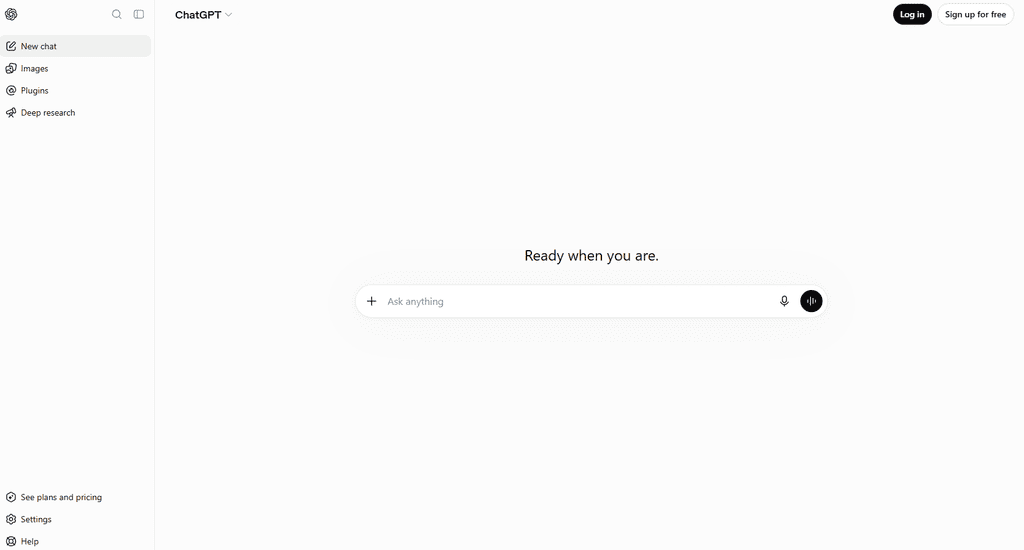
ChatGPT is useful when you already know what good work should look like. A copywriter can use it to generate ten email subject line directions from a clear campaign brief. A virtual assistant can turn rough voice notes into a formatted client update. A social media manager can repurpose a long-form video into a month of post concepts.
The quality of your instruction determines the quality of the first draft. Give the tool the audience, offer, brand voice, objective, format, examples, and restrictions. Then edit like a professional. If you paste its first response directly into client work, you are handing over the very layer that makes you valuable.
2. Claude for detailed briefs and complex documents
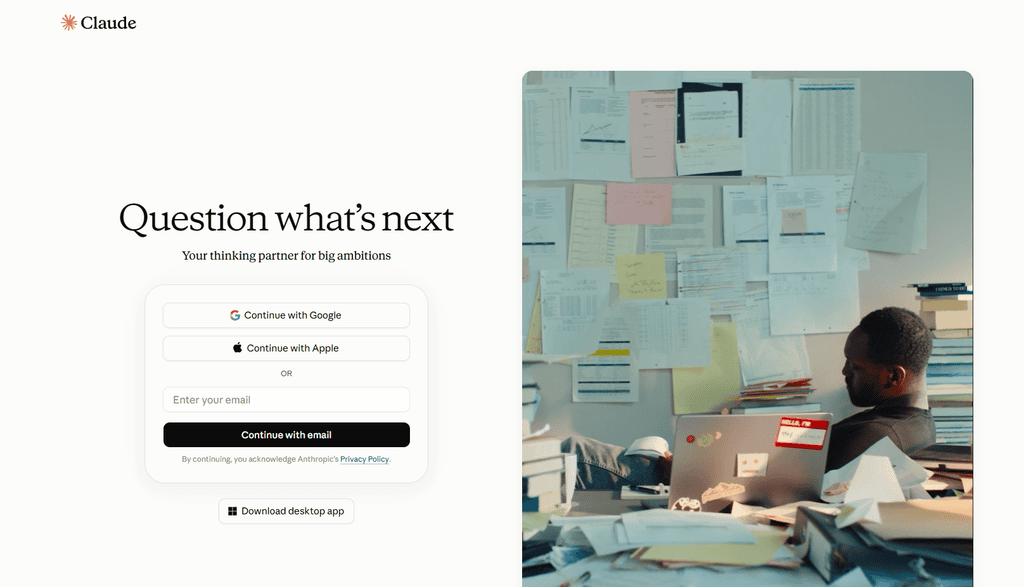
Freelancers who work with lengthy materials often find Claude especially helpful. Think workshop transcripts, product documentation, interview notes, brand guidelines, research reports, or multi-page client briefs.
Use it to identify themes, extract decisions, flag missing information, or create a structured outline from a large pile of notes. For example, an SEO freelancer can feed in approved client research and ask for topic clusters based on the company’s services and audience objections. The freelancer still validates search intent and chooses what deserves production.
3. Perplexity for a smarter research starting point
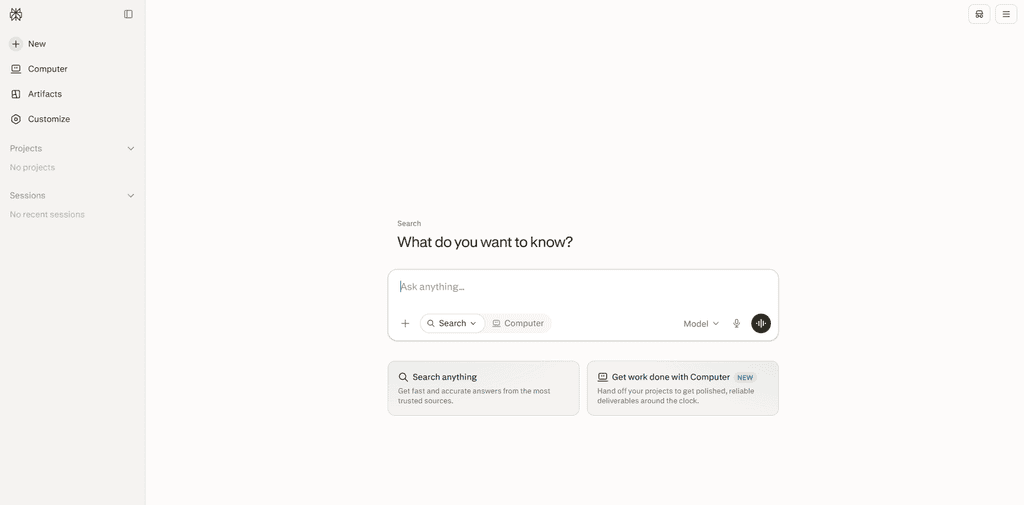
Research can eat up an entire afternoon if you do it without a process. Perplexity helps you gather an initial map of a topic, competitors, industry terminology, and recent discussions more quickly.
It works best as a research assistant, not as your final researcher. If you are writing a financial, legal, health, or technical piece, review primary sources and client-approved materials yourself. For less sensitive work, it can still help you build a stronger brief before you begin writing or designing.
AI tools that improve the deliverable clients see
These tools support production quality. They are particularly useful for freelancers selling content, design, video, podcast, and communication services.
4. Grammarly for clear, client-ready writing
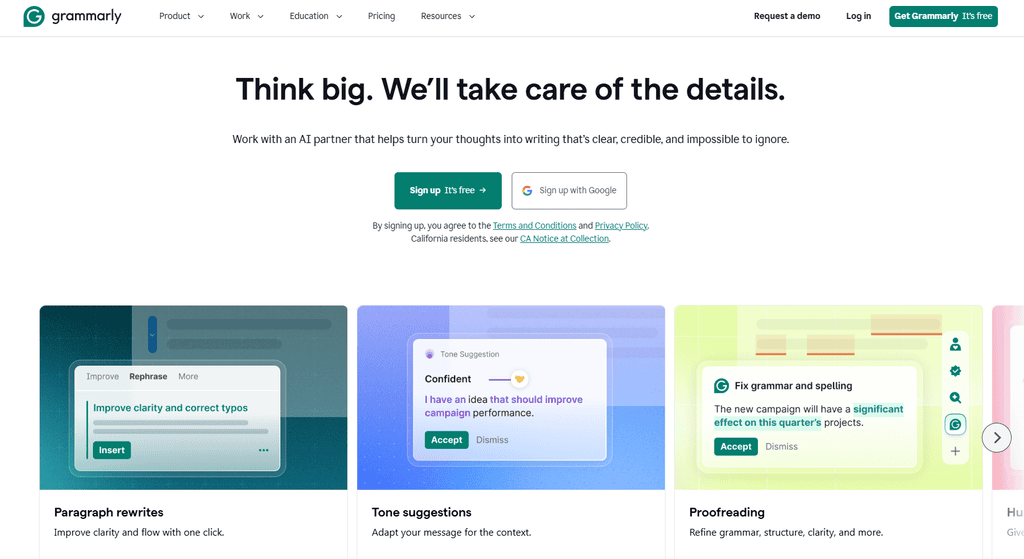
Grammarly remains a simple win for freelancers who write proposals, client emails, articles, social captions, landing pages, or documentation. It catches preventable errors when you have looked at the same sentence for too long.
Use its suggestions with common sense. Sales copy may need sentence fragments. A founder’s brand voice may be blunt, playful, or informal. Correct grammar is useful, but writing that sounds like everyone else is not a selling point.
5. Descript for editors, podcasters, and content repurposers
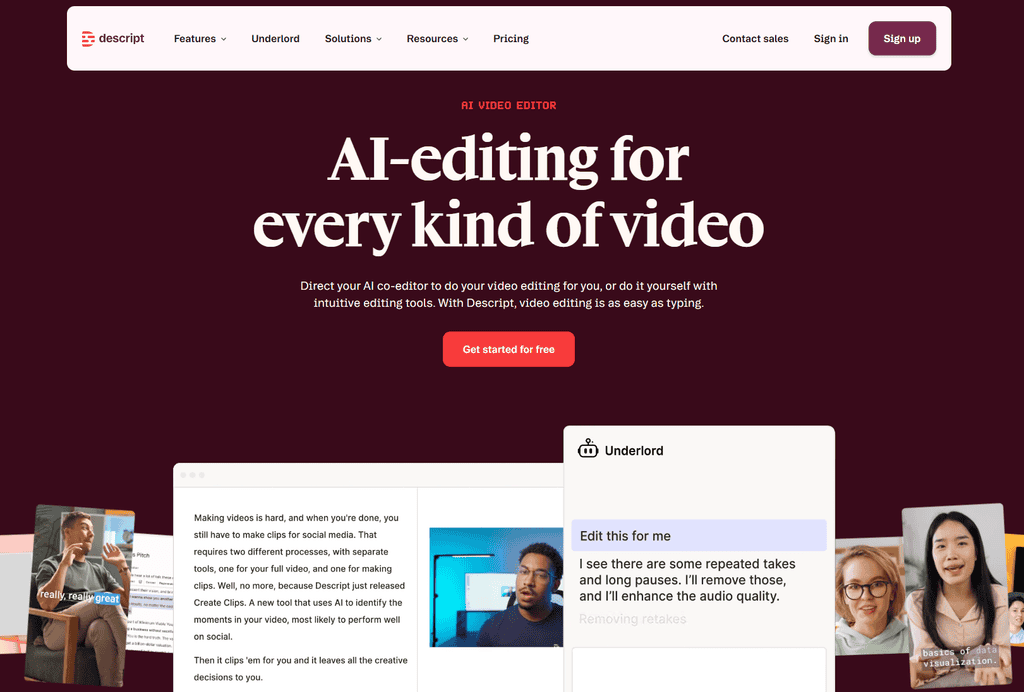
Descript can make video and podcast editing much less intimidating because you can edit through the transcript. Delete a repeated phrase from the text and remove that portion of the recording. It is a strong fit for podcast editors, video editors, social media managers, and coaches who turn client recordings into multiple content assets.
AI features can save serious production time, but they do not replace a good editor’s ear. Watch pacing, cut filler with restraint, correct captions, and preserve the client’s natural speaking style.
6. Canva Magic Studio for fast visual production
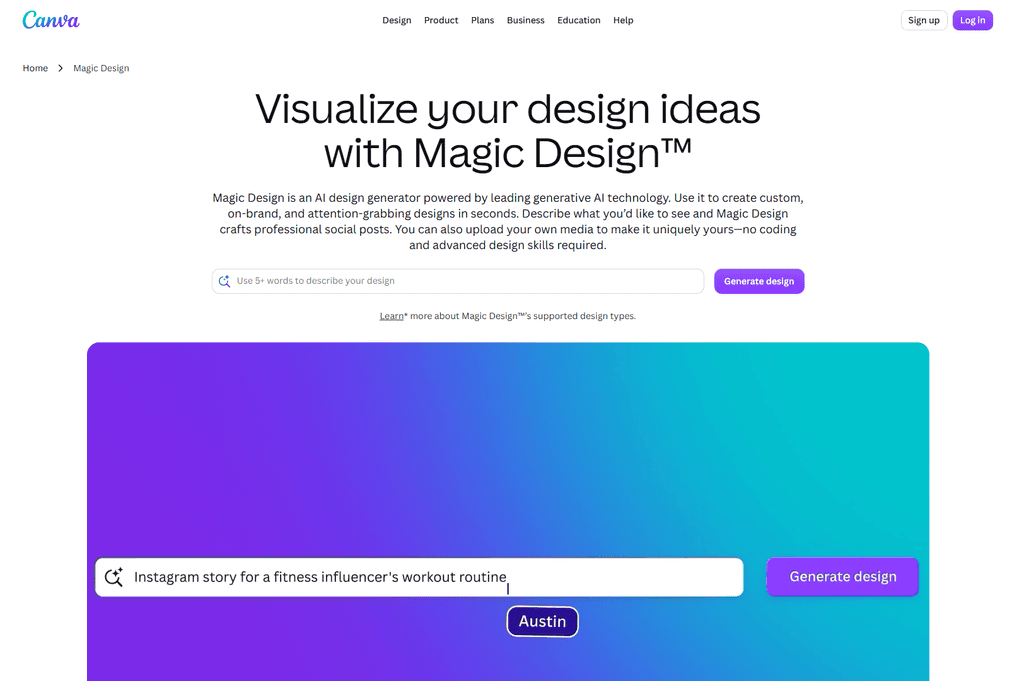
Canva Magic Studio is accessible for creating social posts, presentations, simple lead magnets, and marketing assets. It is especially useful for freelancers who need to turn one client idea into multiple visual formats quickly without starting every design from scratch.
For client work, use the AI-generated design as a starting point, then adjust the typography, colours, imagery, and copy to match the client’s actual brand.
7. Adobe Firefly for visual ideas
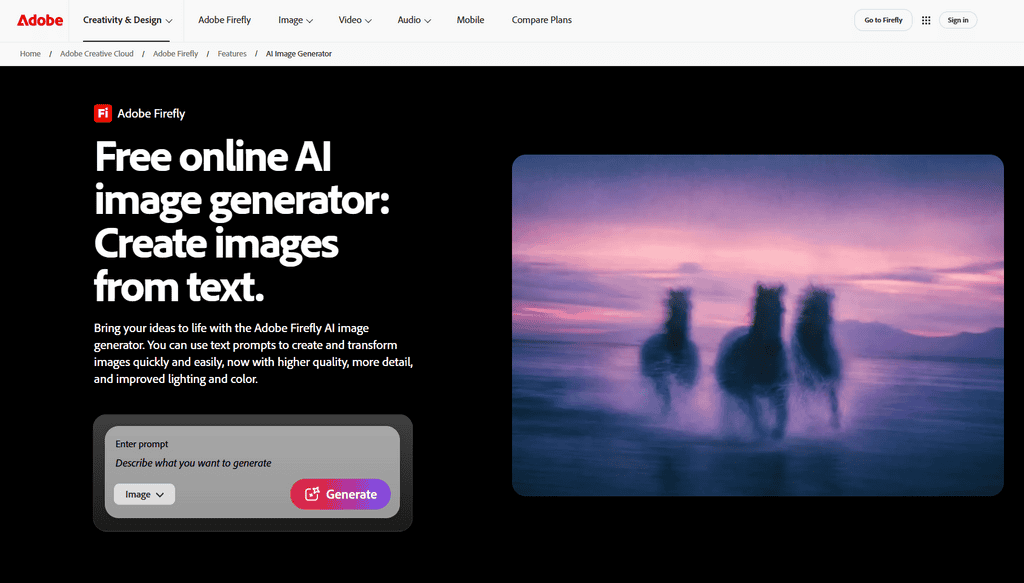
Adobe Firefly can help designers and creative freelancers experiment with image concepts and generate elements for certain workflows.
AI tools that protect your time behind the scenes
| Notion AI | ClickUp AI |
|---|---|
| Knowledge and documentation | Tasks and project operations |
| SOPs, briefs, notes, templates | Deadlines, workflows, assignments, project tracking |
The fastest way to grow a freelance business is often not producing more. It is reducing the unpaid admin work that follows every project.
8. Notion AI for documentation and systems
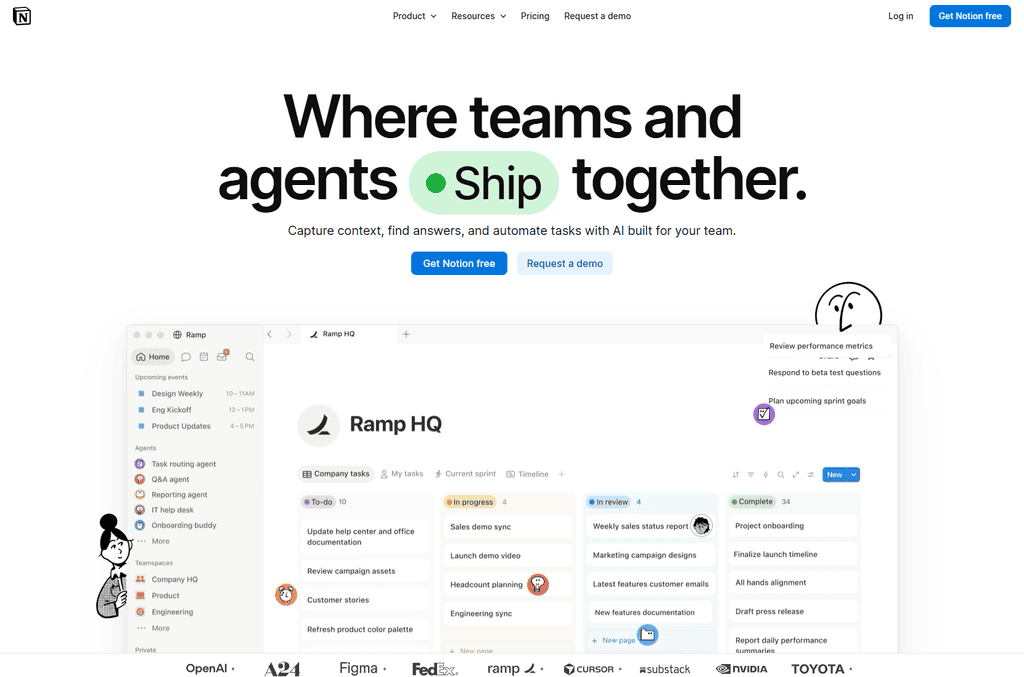
Notion AI is useful for turning repeatable work into documented systems. You can build a content brief template, onboarding checklist, client reporting SOP, or launch-plan framework, then use AI to turn notes into a first draft. It is a particularly good fit for freelancers whose work revolves around written knowledge, such as content calendars, client wikis, briefs, SOPs, research notes, and reusable templates.
9. ClickUp AI for cleaner project operations
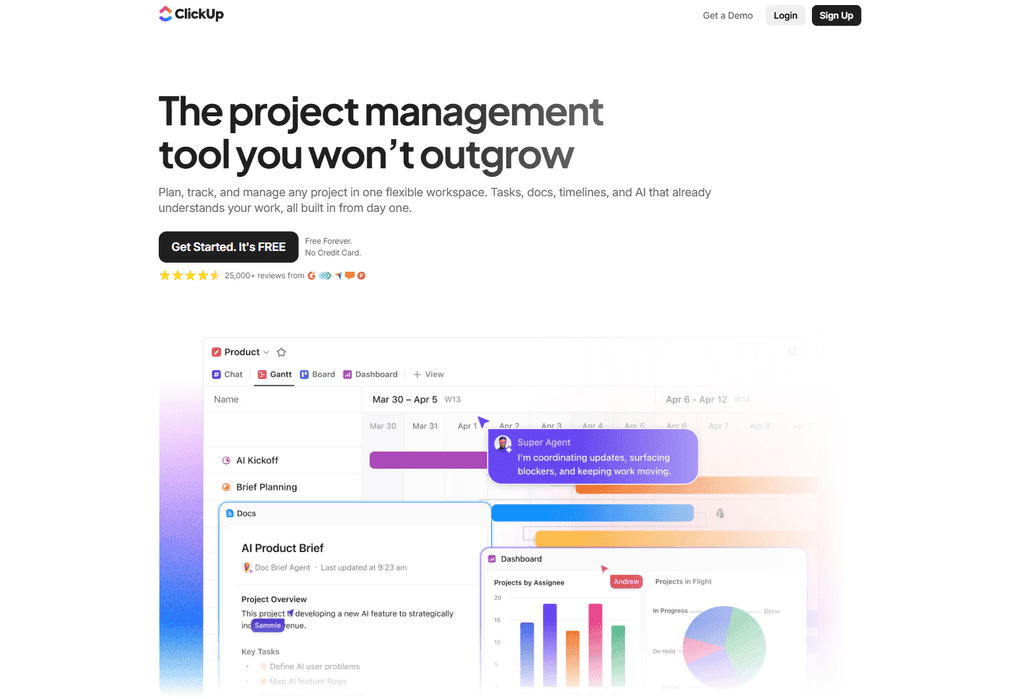
ClickUp AI can support task summaries and project updates when you manage multiple clients or a small team. Choose the platform that your business will actually use consistently. A basic, maintained workspace beats a beautifully customized system that nobody opens after week one. ClickUp makes more sense when your work is task-heavy, with multiple deadlines, dependencies, recurring processes, or team members to coordinate across client projects.
10. Otter for meeting notes that lead to action
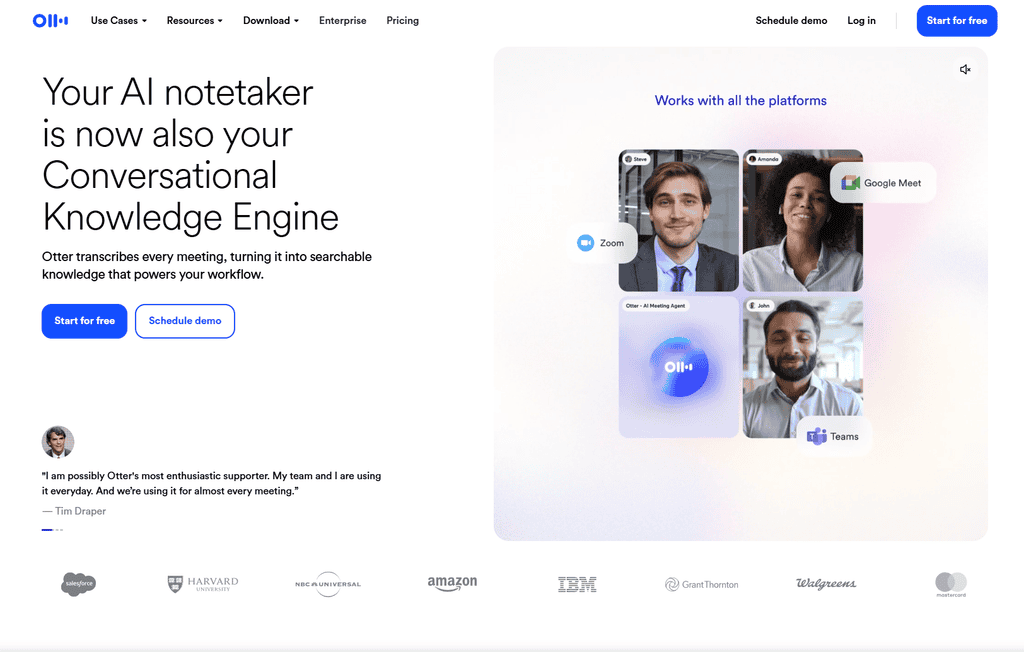
Client calls are full of useful details, but relying on memory creates mistakes. Otter can transcribe calls and help surface decisions, questions, and next steps. This is valuable for account managers, virtual assistants, consultants, web designers, and anyone managing revision-heavy projects.
Tell clients when a meeting is being recorded and follow any company policy around recordings. After the call, send a concise written recap with agreed deliverables, deadlines, and responsibilities. That one habit can prevent scope confusion before it starts.
11. Zapier AI for workflow automation
Zapier can connect the tools in your business, such as sending a new inquiry form into your CRM, creating a project task after payment, or notifying you when a lead replies. Its AI-assisted setup can make simple automations easier to build. It is particularly useful once you find yourself repeatedly moving the same information between tools, such as copying leads into a CRM, creating tasks from form submissions, or sending routine client notifications.
12. HubSpot AI for lead follow-up
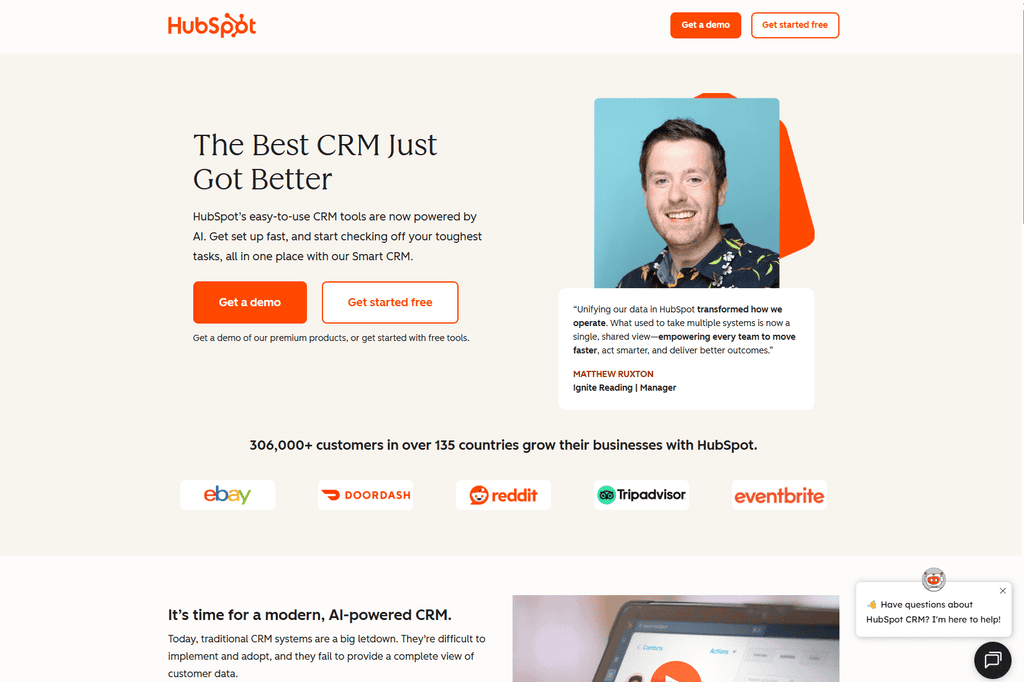
HubSpot AI is more relevant if you have a steady lead pipeline, longer sales cycles, or an agency-style operation. If you are managing three clients and a handful of inquiries, a simpler CRM may be enough. At that stage, something like MailerLite can handle basic lead follow-up and nurture sequences without the overhead of a full sales platform. Buy complexity only when your workflow has earned it.
How to choose an AI stack without wasting money
Start with one service and identify the step that takes the most time without improving the result. A video editor may spend hours on captions. A copywriter may lose time turning discovery-call notes into a usable brief. A VA may repeat the same client updates every Friday.
Then test one tool against a real workflow for two weeks. Track the minutes saved, the revisions received, and whether the output still meets your standard. If it saves time but creates more clean-up work, it is not helping your margin.
Also set clear client-data rules. Working through this list of 12 AI tools for freelancers 2027 one at a time, rather than adopting all of them at once, is what actually turns them into time saved instead of one more thing to manage. Do not upload passwords, confidential customer lists, private financial information, unreleased campaigns, or sensitive documents unless the client has approved the tool and its data handling. For larger clients, ask whether they have an AI policy before you begin.

Use AI to raise capacity, not lower your value
When AI helps you finish a task faster, you have a choice. You can race to the bottom by charging less for every project, or you can use that extra capacity to improve the service: stronger research, better reporting, more thoughtful strategy, faster communication, or an additional deliverable clients genuinely want.
Used well, 12 AI tools for freelancers 2027 are not a threat to your business, they are simply more hours back in your week to spend on the work only you can do. That is how freelancers protect their income while technology changes. Build skills that sit above the tool – positioning, client communication, problem-solving, conversion strategy, and creative judgment. The software will keep changing. Your ability to create results for real businesses is the asset you keep.