
This post may contain affiliate links. If you use these links to buy something we may earn a commission at no extra cost to you. Thank you for your support!
A lead messages you on LinkedIn. Another fills out your contact form. A past client says they may need help next quarter. Without one place to track those conversations, good opportunities can disappear under a pile of tabs, DMs, and half-finished notes.
The best crm for freelancers gives your business a reliable home for every prospect, client, proposal, follow-up, and next step. It is not just software for large sales teams. For a solo copywriter, VA, designer, ad specialist, or consultant, a CRM can be the difference between chasing work every month and building a steady client pipeline you can actually forecast.
What a Freelancer CRM Should Actually Do
CRM stands for customer relationship management, but that label can sound more corporate than it needs to be. At freelancer level, your CRM should help you remember who you spoke to, what they need, when to follow up, and where each potential project stands.
You do not need 50 complicated dashboards to make this useful. You need a clear pipeline that moves contacts from inquiry to discovery call, proposal, signed client, active project, and repeat work. The best systems also keep your client history visible, so you are not asking a long-term client to repeat information they already gave you six months ago. Nobody wants to feel forgotten after paying you good money.
For many service providers, the ideal CRM also connects the client journey. A lead submits an inquiry, gets a booking link, receives a proposal, signs a contract, pays a deposit, and is onboarded without you manually copying details across five tools.
Best CRM for Freelancers: The Quick Comparison
There is no single winner for every freelance business. Your best option depends on whether you need simple lead tracking, full client workflows, sales reporting, or a low-cost system while your side gig is still growing.
| CRM | Best for | Pricing position | Standout strength | Watch out for |
| HubSpot CRM | Freelancers wanting a generous free starting point | Free plan available, paid upgrades | Contacts, pipelines, email tracking, forms | Advanced automation gets expensive |
| HoneyBook | Creative and service-based freelancers | Mid-range paid plans | Inquiries, proposals, contracts, invoices | Less flexible for complex sales processes |
| Dubsado | Freelancers who want customized workflows | Mid-range paid plans | Forms, client workflows, automation | Setup takes more time |
| Pipedrive | Consultants and B2B service sellers | Affordable to mid-range paid plans | Simple visual sales pipeline | Requires extra tools for full client management |
| Bonsai | Independent freelancers needing business admin | Affordable to mid-range paid plans | Contracts, invoices, projects, client portal | CRM depth is lighter than dedicated tools |
| Zoho CRM | Growing freelancers and small agencies | Free plan available, paid upgrades | Customization and broader software ecosystem | Interface can feel busy at first |
| Notion | DIY operators with unique workflows | Free plan available, paid upgrades | Fully customizable client database | Manual setup and limited sales automation |
Prices, plan names, and included features change regularly, so check the current plan details before committing. More importantly, choose based on the hours and missed revenue the system can save you, not only the monthly subscription. If you also need email marketing and a simple funnel for booking calls, Systeme IO bundles those with basic contact management in one low-cost plan, worth a look before you stack separate tools.
1. HubSpot CRM: Best Free CRM for Growing Freelancers
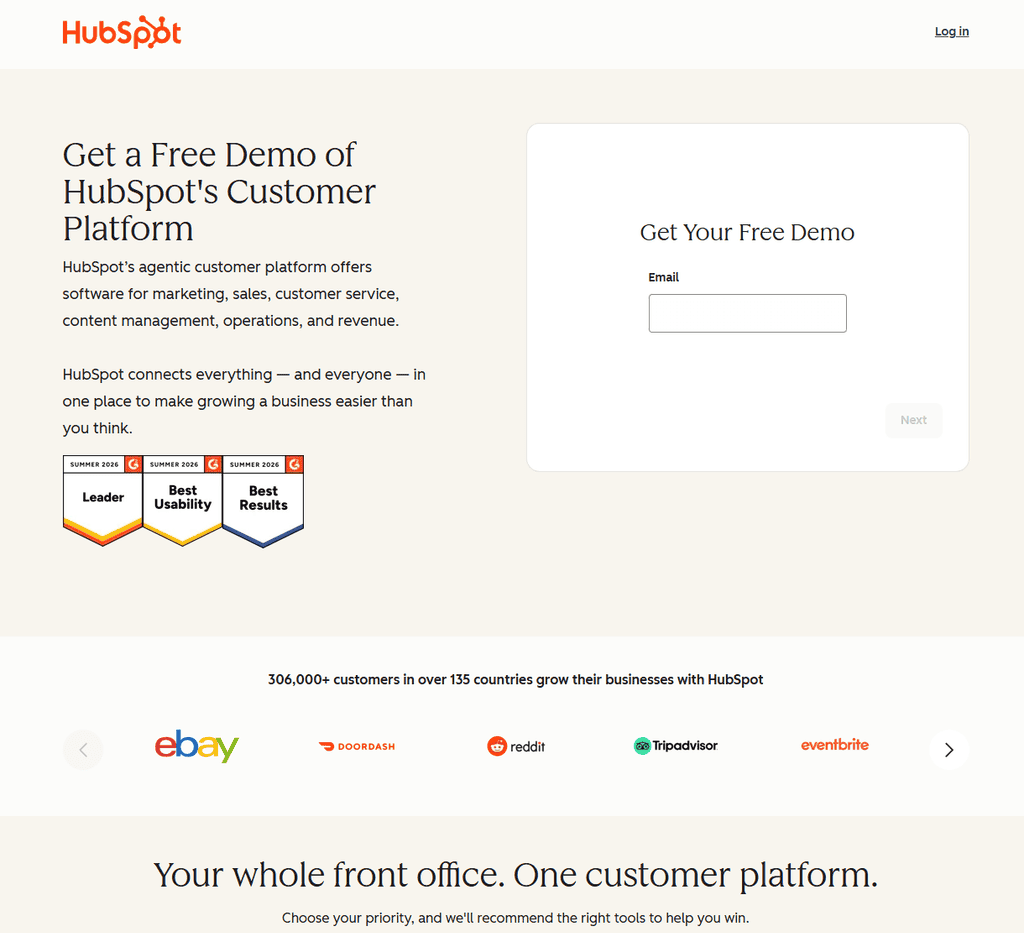
HubSpot is a strong choice if you want to treat your freelance work like a real business from day one without immediately adding another monthly bill. Its free CRM lets you store contacts, create deal stages, log activity, and use forms to collect leads.
It works especially well for freelance marketers, lead generation specialists, web designers, and consultants who get inquiries through a website or want better visibility into email conversations. You can see which leads are active and build a repeatable follow-up process instead of relying on memory.
The trade-off is that HubSpot becomes more expensive when you need advanced automation, marketing features, or larger-scale reporting. Start with the free version and avoid upgrading just because a feature looks shiny. Upgrade only when the feature supports a process you are already using consistently.
2. HoneyBook: Best for a Polished Client Experience
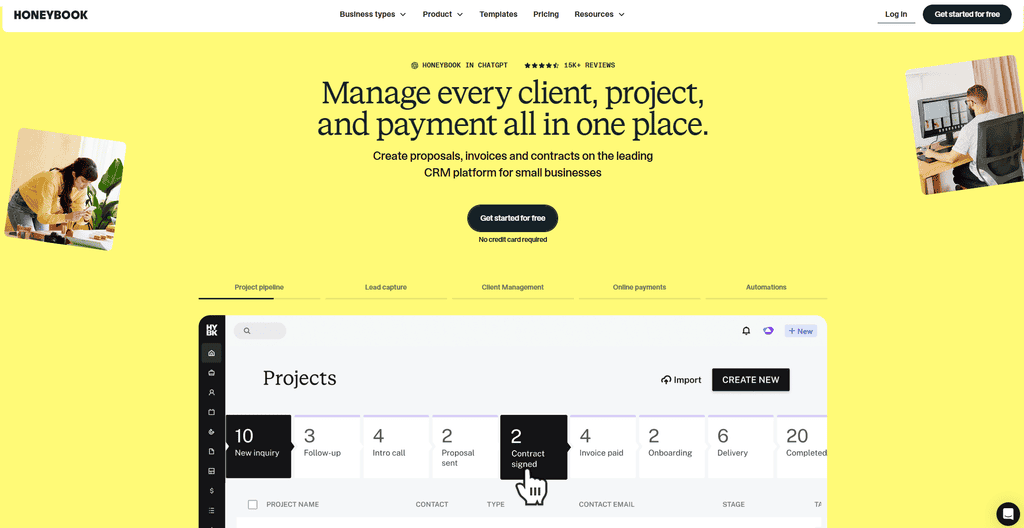
HoneyBook is built for service providers who want their sales and admin process in one client-friendly place. It combines lead forms, scheduling, proposals, contracts, invoices, payments, and workflows.
For photographers, social media managers, designers, virtual assistants, and coaches, that can reduce the back-and-forth that eats into billable time. A prospect can inquire, receive a professional proposal, sign, and pay a retainer through a connected process that feels organized from the first interaction.
HoneyBook is less about building an elaborate sales machine and more about delivering a polished experience. If your work involves custom quotes and recurring client communication, it is often a better fit than a traditional sales CRM. If these are the two tools on your shortlist, my Dubsado vs HoneyBook review breaks down their different approaches to setup, workflows and client experience.
3. Dubsado: Best for Customized Workflows
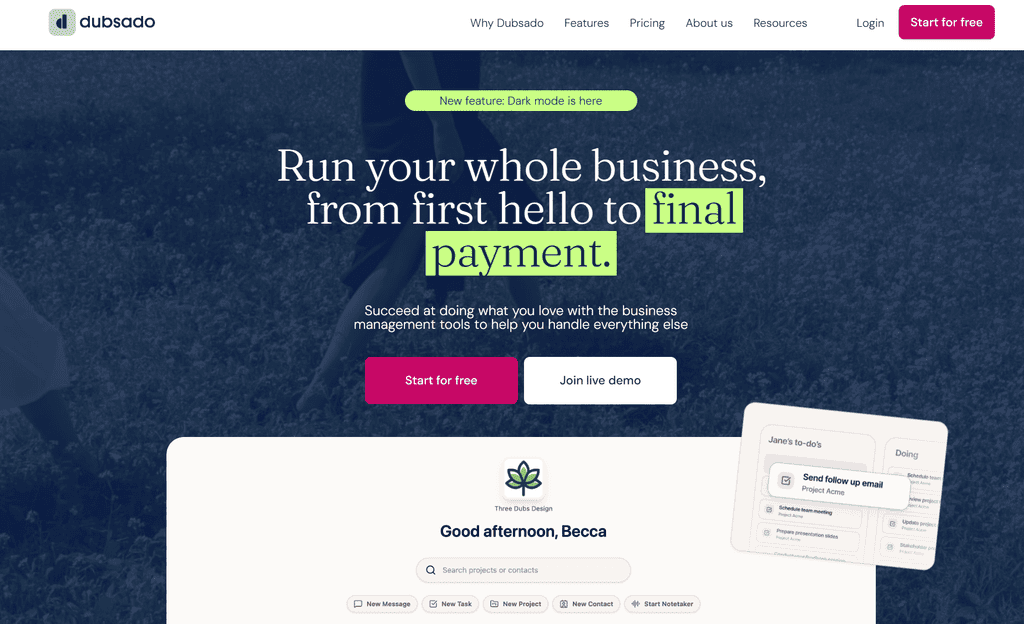
Dubsado is for freelancers who have outgrown a basic spreadsheet and want their client process to run with more consistency. Its strength is customization. You can create forms, contracts, proposals, payment schedules, and automated workflows based on how you deliver your service.
Say you are a funnel builder. When a client signs, Dubsado can send a welcome email, request brand assets, issue an invoice, and remind them to complete an onboarding questionnaire. That creates a more professional handoff and protects your time.
The learning curve is real. Dubsado rewards people willing to spend an afternoon mapping their process before building it. If you are still changing your offer every week, keep things simple first. But once your service package is clear, it can help you deliver it without reinventing the wheel for every client.
4. Pipedrive: Best for Freelancers Who Need to Sell More Consistently
Pipedrive is a sales-first CRM with one job: helping you move deals forward. Its visual pipeline is easy to understand. Every lead sits in a stage, and every opportunity should have a next activity attached to it.
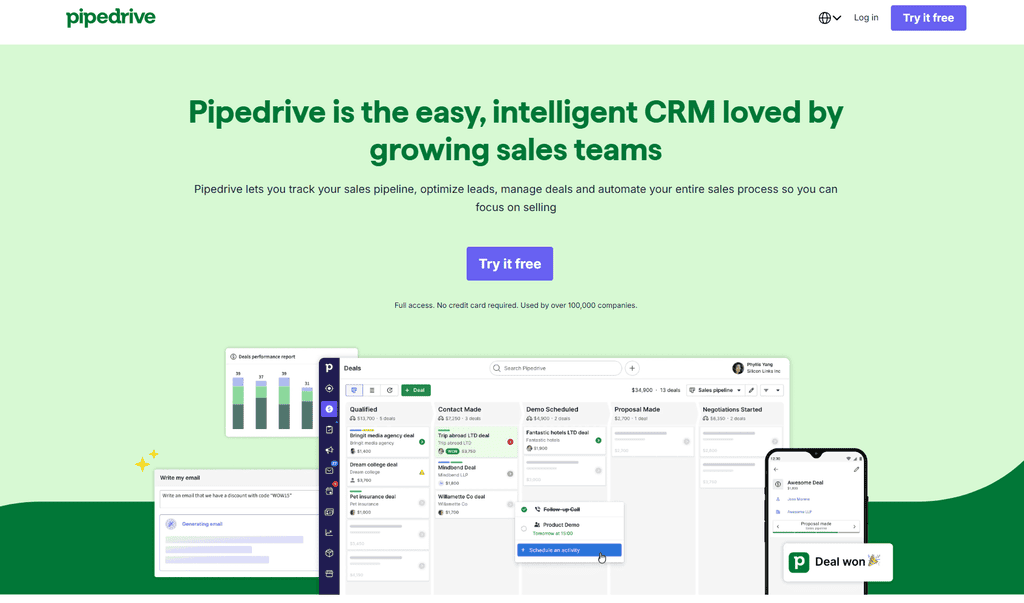
That makes Pipedrive excellent for consultants, B2B copywriters, paid ads freelancers, and agency owners with longer sales cycles. If you regularly have discovery calls, proposals, negotiations, and multiple decision-makers involved, the focus on pipeline management can bring real discipline to your sales activity.
Pipedrive does not replace your project management tool or your complete invoicing setup. Think of it as the front end of your business, where leads become clients. You may still pair it with a separate project platform after the contract is signed.
5. Bonsai: Best All-in-One Option for Solo Freelancers
Bonsai is a practical choice when you want CRM basics alongside the admin essentials of freelance work. It brings together contacts, proposals, contracts, invoicing, expense tracking, and project management.
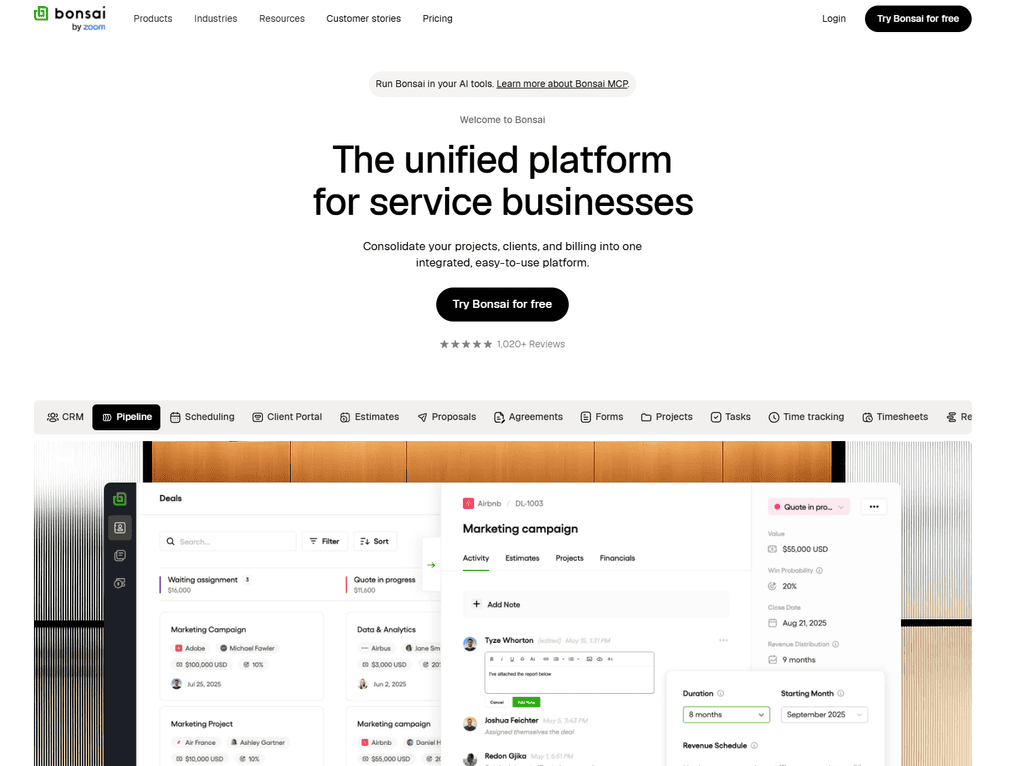
For a solo operator, fewer tools can mean fewer handoffs and fewer things to maintain. A freelance writer, developer, or VA who needs a straightforward operating system may prefer Bonsai over assembling a stack of separate apps.
Its CRM functions are not as deep as HubSpot or Pipedrive. But depth is not always the goal. If you primarily need to turn inquiries into paid projects, send paperwork, and keep the business side tidy, Bonsai may be more than enough.
How to Choose Without Overbuying Software
Before signing up for anything, write down the journey from first inquiry to completed project. Include where leads come from, how you qualify them, how you send proposals, how clients pay, and what happens after delivery. Your CRM should remove friction from that exact journey.
A newer freelancer may only need a simple pipeline with five stages: new lead, contacted, call booked, proposal sent, and won or lost. If your needs are still this simple, a Notion database can cover the basics for free while you figure out whether you need a dedicated CRM at all. An established freelancer with a waitlist, subcontractors, and recurring retainers may need automations, multiple pipelines, detailed reporting, and client portals.
Also consider your lead source. If most clients come from referrals, you may prioritize client history, referral tracking, and follow-up reminders. If you run ads or publish content, forms, email sequences, and attribution may matter more. The tool should support the way you win work, not force you into somebody else’s business model. That’s the real test of the best CRM for freelancers: does it fit around how you already sell, or are you rebuilding your process to fit the software.
Set Up Your CRM in One Focused Afternoon
Do not spend three weeks color-coding every field before you have clients in the system. Start by importing current leads, active clients, and past clients worth reconnecting with. Then create your pipeline stages and add one required habit: every open opportunity needs a next follow-up date.
Next, create two reusable templates: a warm lead follow-up and a past-client check-in. Those simple messages can generate more work than another hour spent researching tools. Finally, review your pipeline once a week. Look for proposals waiting too long, leads with no next step, and former clients who may be ready for another project.
A CRM will not replace good service, clear offers, or confident sales conversations. Whichever option you choose, the best CRM for freelancers is simply the one you’ll actually open and update every week. What it does give you is a business that remembers, follows through, and makes space for more of the work you want. Pick one tool, keep the setup lean, and let your client relationships become an asset that grows with every project.