

This post may contain affiliate links. If you use these links to buy something we may earn a commission at no extra cost to you. Thank you for your support!
A client saying, “Can you send the invoice?” should feel like a two-minute admin task, not the moment you open a spreadsheet, hunt for old payment details, and wonder whether you remembered to add late fees. The best freelance invoicing software gives your business a more polished front door while helping you get paid faster and keep clean records.
That matters whether you are a virtual assistant fitting client work around a day job or a consultant managing a full client roster. Your invoice is part of the client experience. It confirms what was delivered, makes payment easy, and shows that you run your freelance business like a business.
What makes invoicing software worth paying for?
A good invoicing tool should create branded invoices quickly, accept online payments, track what is overdue, and save client details so you are not rebuilding the same document every month. Beyond that, the right choice depends on the way you work.
If you bill by the hour, time tracking may matter. If you sell fixed-price packages, recurring invoices and deposits are likely more useful. If your freelance income is growing, you may want full bookkeeping, expense tracking, sales tax support, and reports for tax season.
Do not choose software based on the longest feature list. Choose the tool that removes the most friction between finishing great work and receiving money in your account. That friction test is the real way to judge the best freelance invoicing software not the length of its feature list, but how quickly it moves you from finished work to money received.
7 best freelance invoicing software options
Best Freelance Invoicing Software at a Glance:
| Software | Best for | Main strength | Consider if… |
|---|---|---|---|
| FreshBooks | Service-based freelancers | Easy invoicing + light accounting | You want something beginner-friendly |
| QuickBooks Online | Growing businesses | Full bookkeeping | Your freelance business is becoming more complex |
| Xero | Accounting visibility | Reporting + collaboration | You work with a bookkeeper/accountant |
| Wave | Beginners | Free invoicing | You want to keep costs low |
| Bonsai | Client workflows | Proposals + contracts + invoices | You want several client tools in one place |
| Zoho Invoice | Customization | Flexible invoices + client portals | You want more control over workflows |
| Stripe Invoicing | Flexible payments | Payment infrastructure | You have international or technical payment needs |
1. FreshBooks: best for service-based freelancers
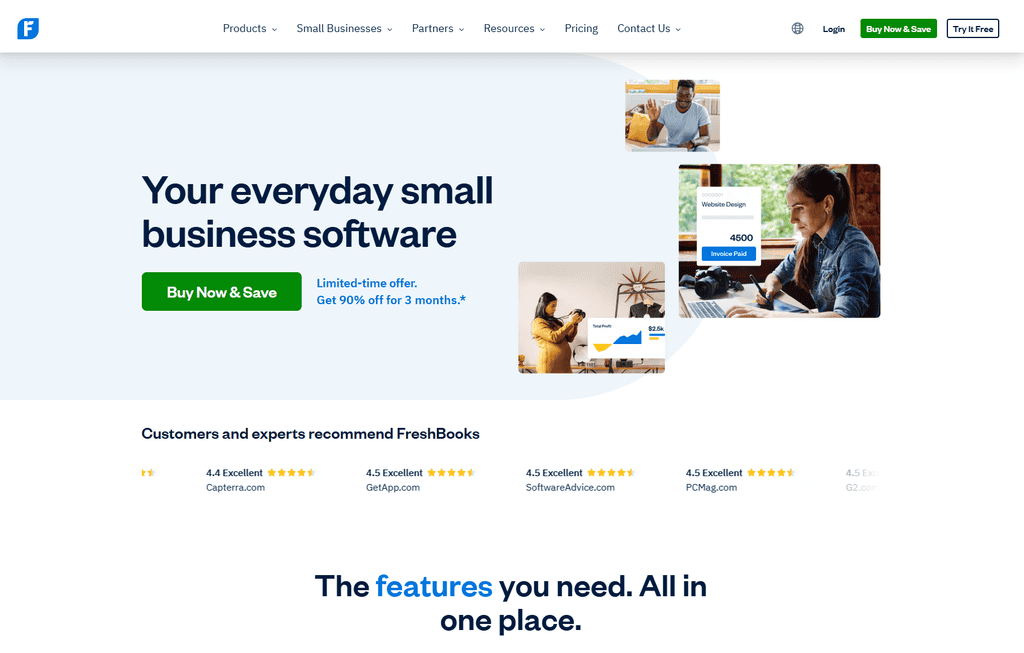
FreshBooks is built with freelancers and small service businesses in mind. Its interface is beginner-friendly, invoices look professional, and it brings invoicing, expenses, estimates, time tracking, and payment reminders into one place.
This is a strong choice for copywriters, designers, marketers, consultants, and virtual assistants who want accounting features without feeling like they need an accounting degree. You can turn estimates into invoices, set recurring billing for retainers, and see which clients have viewed or paid an invoice.
The trade-off is cost. FreshBooks can become pricier as you add clients or need more advanced features. Still, if clean workflows save you admin hours every month, it can earn its keep quickly.
2. QuickBooks Online: best for growing businesses
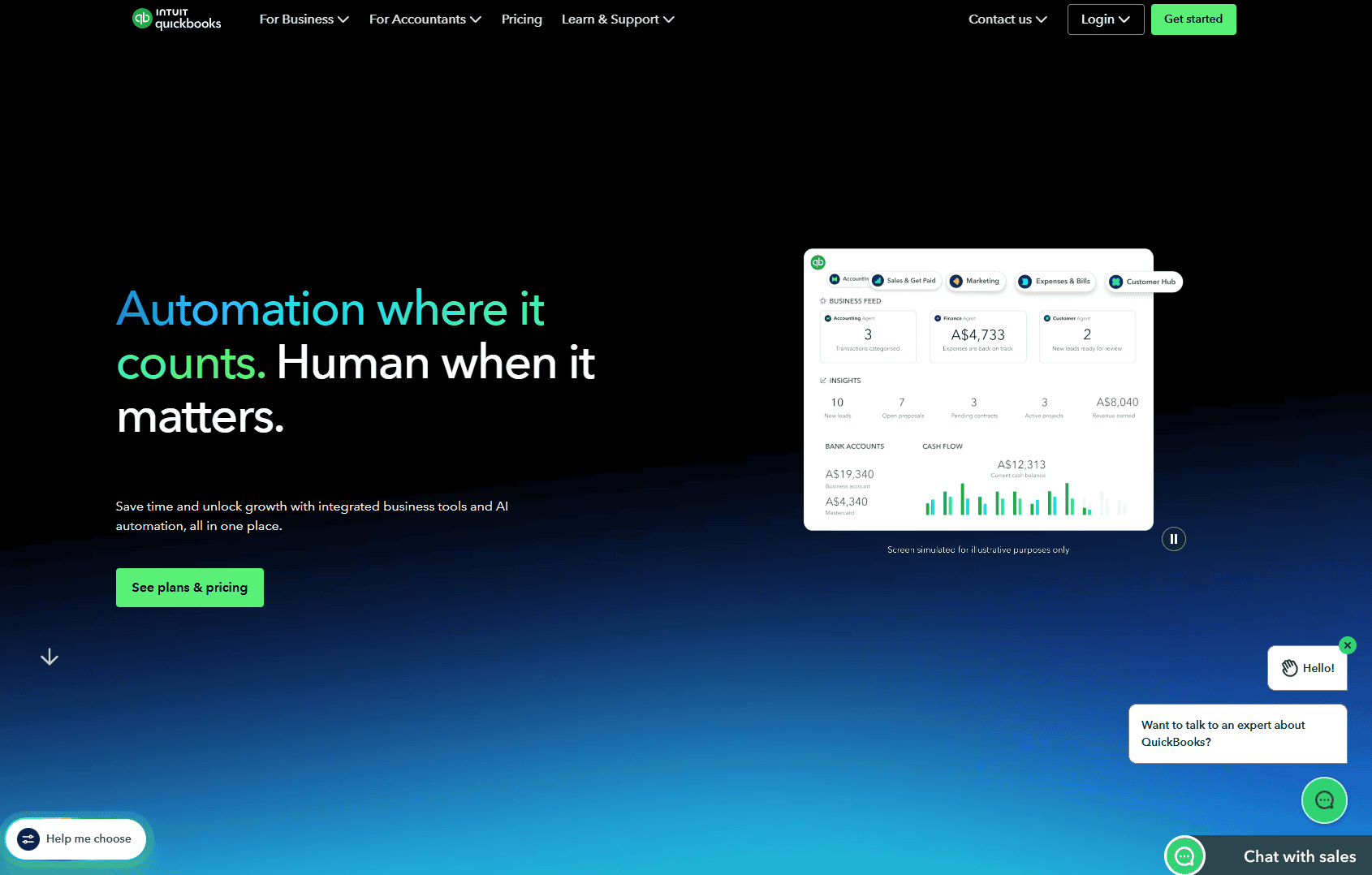
QuickBooks Online is often the practical next step when invoicing alone is no longer enough. It combines invoices with bank feeds, expense categorization, financial reports, tax-related records, and accountant access.
For freelancers moving toward a six-figure business, hiring subcontractors, or running a small agency, this depth can be very valuable. Instead of stitching together separate systems for billing and bookkeeping, you can see a clearer picture of cash flow and profitability.
It does have a learning curve. If all you need is to send three invoices a month, it may feel like bringing a full toolbox to hang one picture. But for a business that is expanding, starting with solid financial records can prevent messy catch-up work later.
3. Xero: best for collaboration and accounting visibility
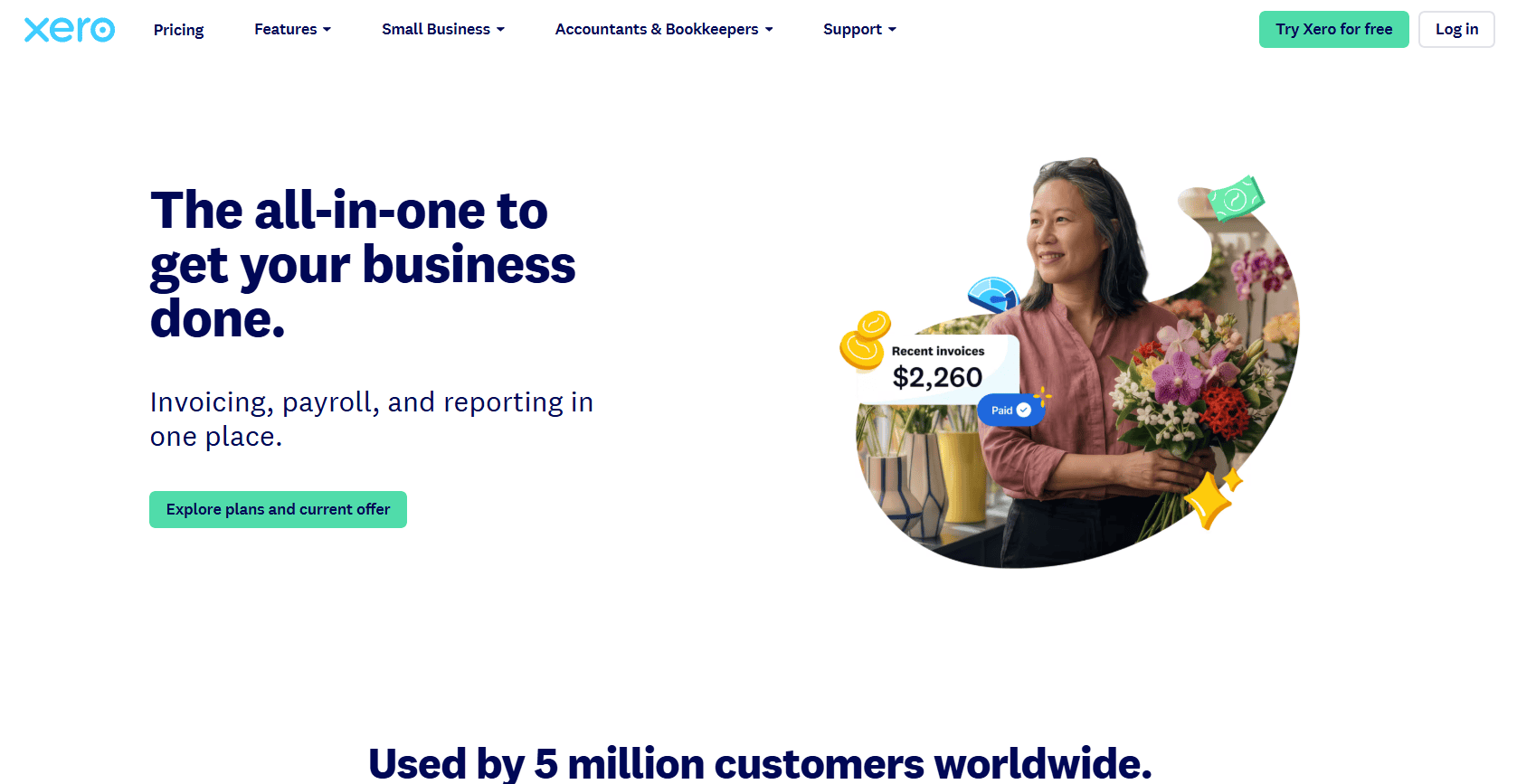
Xero is another full accounting platform with strong invoicing tools. It is particularly useful for freelancers who work with bookkeepers or accountants, manage multiple currencies, or want detailed reporting as their business matures.
Its clean dashboard makes it easier to monitor incoming money, bills, and bank transactions. For location-independent freelancers serving clients in the US, Singapore, Malaysia, or elsewhere, multicurrency support can be a meaningful advantage.
Xero is less focused on freelancer-specific extras such as proposals and contracts. Think of it as an accounting-first option with capable invoicing, rather than a client-management platform that happens to handle money.
4. Wave: best free invoicing option
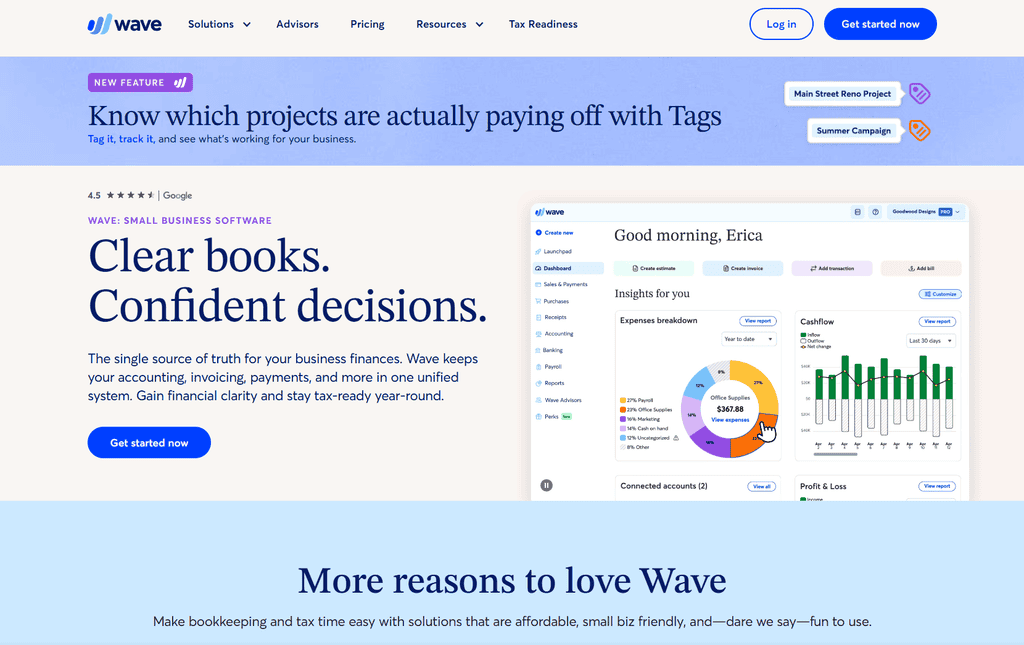
Wave is a popular choice for freelancers who want professional invoices without immediately adding another monthly subscription. Its invoicing features let you create estimates, send recurring invoices, and issue payment reminders. Depending on your location and payment setup, payment processing fees may still apply when clients pay online.
It is a sensible starting point for a newer side hustle with a straightforward client setup. You can create a branded invoice, keep basic records, and prove to yourself that your freelance business deserves systems from day one.
Free does not always mean best forever. As your operations become more complex, you may outgrow its reporting, automation, or support options. That is fine. Use the free plan to build the invoicing habit, then upgrade when your needs genuinely change.
5. Bonsai: best for client workflows
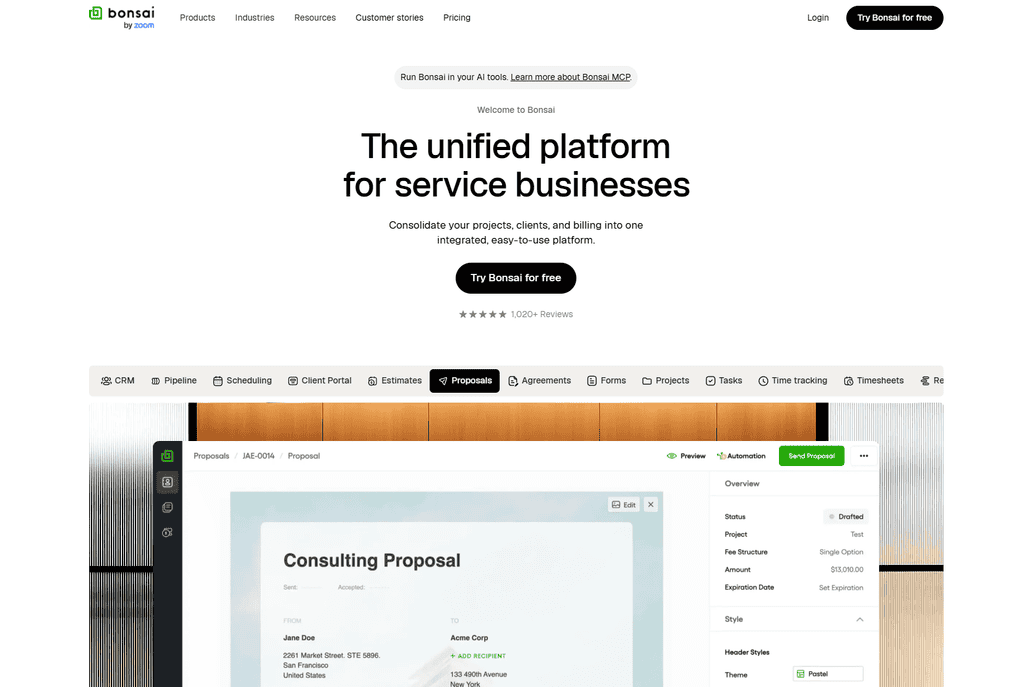
Bonsai is designed for freelancers who want more than invoicing. It combines proposals, contracts, client intake, project management, time tracking, and invoices in one client-facing workspace.
That makes it especially appealing for creative and consulting services where the sales process matters. A web designer, brand strategist, or social media manager can move a lead from proposal to signed agreement, deposit invoice, project delivery, and final payment without jumping across several tools.
The all-in-one approach is convenient, but it may be more than you need if you already love your project management and accounting systems. Before subscribing, map your current workflow. Bonsai makes the most sense when it replaces multiple disconnected tools.
6. Zoho Invoice: best for customization
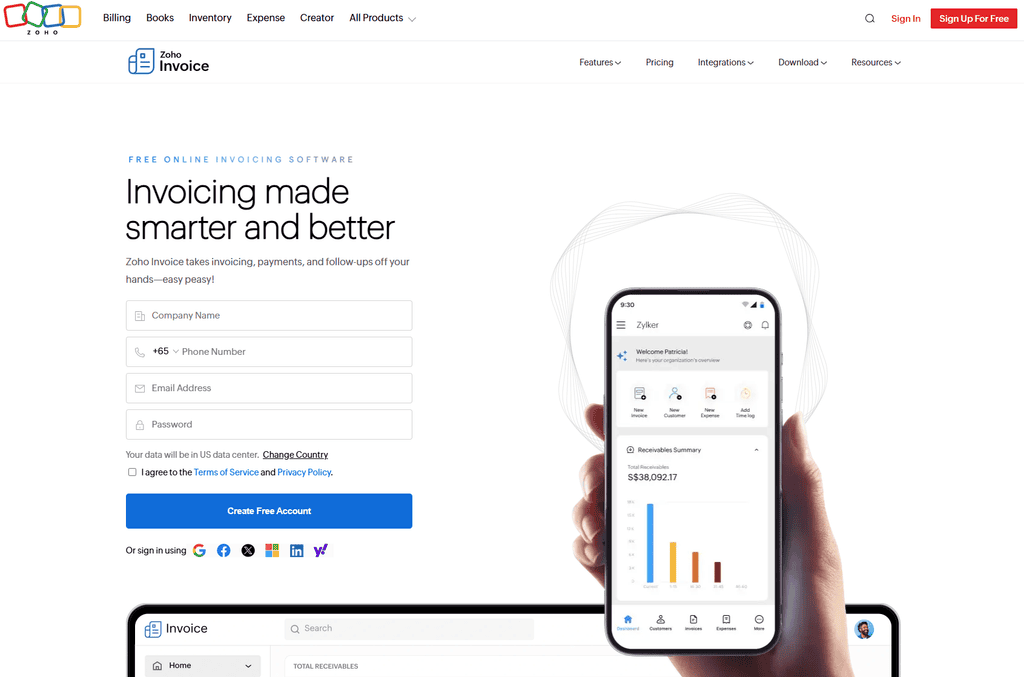
Zoho Invoice offers a polished invoicing experience with customization options, client portals, automated reminders, recurring invoices, and time tracking. It can be a good fit if you want invoices that match your brand and prefer more control over templates and workflows.
It also works well for freelancers who may later move into other Zoho business apps, such as CRM or expense management. That ecosystem can be useful for an agency owner building more structured operations.
The downside is that a larger software ecosystem can feel busy if your only goal is simple billing. Keep your setup lean. A client should never have to work harder to pay you because you turned an invoice into a tech project.
7. Stripe Invoicing: best for flexible online payments
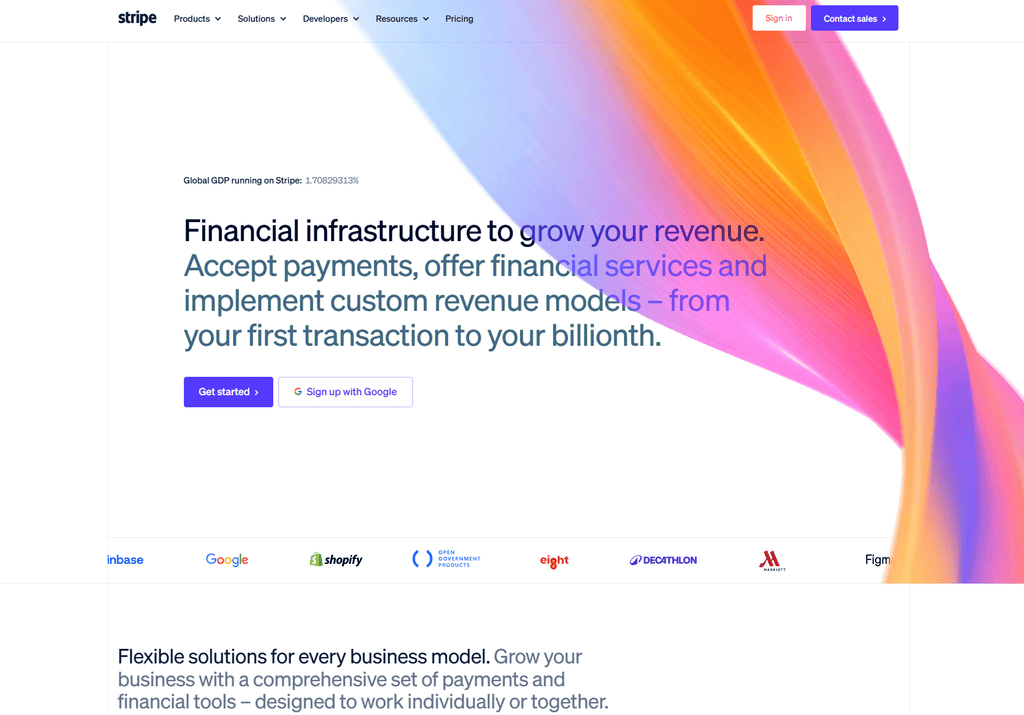
Stripe Invoicing is a smart option for freelancers who already use Stripe or need flexible payment collection. You can send invoices, accept cards and bank-based payment methods where available, automate reminders, and build more customized payment flows if your business has technical needs.
It is particularly useful for developers, digital product sellers, and service providers with international clients or unusual billing requirements. Stripe is powerful, but it is not as beginner-guided as a freelancer-first platform.
If you want simple books and friendly invoice templates, FreshBooks or Wave may feel easier. If payment infrastructure and flexibility are your priority, Stripe deserves a closer look.
How to choose the right tool for your freelance business
Start with your billing model. Choosing the best freelance invoicing software is less about finding one universal winner and more about matching the tool to how you actually bill clients. Retainer clients need recurring invoices. Hourly work benefits from time tracking. Project-based work usually needs estimates, deposits, milestones, and a clean final invoice. Coaches and consultants may prioritize payment plans, while agencies may need team access and better reporting.
If you sell fixed-price packages or digital products alongside client work, a checkout tool like ThriveCart can handle one-click payments, deposits, and payment plans, complementing your invoicing software rather than replacing it. It is worth considering if a chunk of your income comes from productized offers.
Next, consider the payment experience for your clients. Can they pay by card or bank transfer? Does the software add clear payment instructions? Can you set automatic reminders before and after the due date? A slightly higher processing fee may be worth it if it reduces late payments and awkward follow-ups.
Finally, think one stage ahead, not five stages ahead. You do not need enterprise-level finance software for your first client. But if you are building a reliable income stream and want the freedom to work from anywhere, choose a system you will actually use every time.
Set up your invoices to get paid faster
Software helps, but your invoicing policy does the heavy lifting. Put your payment terms in your contract, collect a deposit before project work begins, and invoice on a consistent schedule. To stay on top of who has paid and what is due, many freelancers keep a simple tracker in Notion alongside their invoicing tool, logging invoice dates, amounts, and status so nothing slips through the cracks between billing cycles. For ongoing work, many freelancers invoice at the start of the month or before each service period, rather than waiting until all work is completed.
Every invoice should clearly show your business name, client name, invoice number, issue date, due date, services provided, amount due, and accepted payment methods. Keep the description specific. “March social media management retainer” is easier for a client to approve than “services rendered.”
You can also add a polite late-payment policy. It is not about sounding aggressive. It is about setting a standard: your skills create real value, and timely payment is part of a professional working relationship.
The right software will not magically create dream income, but it supports the habits that do. Send the invoice confidently, follow up without apology, and let your systems make room for the client work and freedom you are building toward.