This post may contain affiliate links. If you use these links to buy something we may earn a commission at no extra cost to you. Thank you for your support!
A client sends you 90 minutes of raw podcast footage on Monday and needs six polished clips, a full YouTube episode, captions, and revisions by Friday. That is not just an editing job. It is a business opportunity. This video editing freelancer guide will help you turn your technical ability into a clear, sellable service that clients can trust and keep buying.
Video editing is one of the strongest freelance skills for people who want location-flexible work. Businesses need short-form content, course creators need clean lessons, podcasters need episodes and clips, and brands need ads that hold attention before someone scrolls away. The opportunity is real, lah, but your income will depend less on knowing every Premiere Pro shortcut and more on how well you position, package, and run your service.
Choose a Video Editing Niche Clients Can Understand
“Video editor” is a valid title, but it is broad enough to make prospects wonder whether you are right for their project. A niche gives people a faster reason to hire you. It also helps you build a portfolio that feels coherent instead of looking like a random folder of past work.
You do not need to edit only one kind of video forever. Start by choosing a primary offer based on what you enjoy, what you can show, and where demand is growing. Short-form social clips are a practical entry point because clients often need them every week. YouTube editing can lead to larger monthly retainers. Course and webinar editing may involve less creative pacing but can be reliable for coaches, consultants, and training companies.
| Editing service | Typical client | What they value most | Best pricing approach | |—|—|—|—| | Short-form Reels, Shorts, TikToks | Creators, coaches, local brands | Fast hooks, captions, volume | Per clip or monthly package | | YouTube long-form videos | YouTubers, podcasters, educators | Retention, storytelling, consistency | Per video or retainer | | Podcast video editing | B2B founders, agencies, hosts | Clean audio, multicam flow, clips | Monthly retainer | | Course and webinar editing | Coaches, consultants, educators | Clarity, organization, dependable delivery | Per project or module | | Paid social video ads | E-commerce brands, marketers | Conversion angles, testing variations | Per batch or project |
A niche is a starting lane, not a cage. If you are already getting steady work across several formats, you can position yourself around an outcome instead. For example: “I help experts turn long-form recordings into weekly content.” That is often more compelling than naming software or listing every edit you can do.
Build a Portfolio That Shows Business Value
A beautiful montage may prove that you can use transitions. It does not always prove that you can help a client publish consistently, keep viewers watching, or make their message easier to understand. Your portfolio needs to answer the question running through every buyer’s mind: can this person handle my content without creating more work for me?
Include three to five focused samples. For each one, show the before-and-after context: the type of footage, the objective, the editing decisions, and the final format. If a video helped generate views, leads, sales, or faster production, say so. Do not invent results. Clear observations are enough, such as “repurposed a 45-minute interview into eight vertical clips with burned-in captions.”
No paid client work yet? Create spec samples using your own footage, public-domain footage, or content from a friend who has given permission. Pick businesses you genuinely understand. A mock edit for a fitness coach, real estate agent, or online educator can look far more relevant than a flashy generic reel.
Keep the presentation simple. A short portfolio page, a well-organized cloud folder, or a social profile with pinned samples can work. The goal is not to impress people with a complicated website. It is to make reviewing your work easy on a busy Tuesday afternoon.
Show your process, not only your final cut
Clients are buying reliability alongside creativity. Briefly explain how you receive footage, collect brand assets, handle feedback, and deliver files. This reassures a client who has been burned by missed deadlines or confusing revision rounds.
For example, you might state that you confirm the brief before editing, deliver a first cut within three business days, include two revision rounds, and archive project files for 30 days. Those details make a newer freelancer look organized and make an experienced freelancer easier to compare against less structured competitors.
Price Video Editing for Scope, Not Just Hours
Hourly pricing can be useful for unclear projects, emergency edits, or ongoing support where the workload changes each week. But for repeatable work, fixed project pricing or monthly packages usually create a better client experience. The client knows what they are paying, and you are rewarded for becoming faster.
Your rate should account for more than the time spent dragging clips onto a timeline. Consider footage length, number of cameras, audio cleanup, graphics, captions, stock footage, revision rounds, turnaround time, file management, and communication. A 60-second video can take longer than a 10-minute talking-head edit if it needs heavy motion graphics and multiple versions.
Here is a practical starting framework. These are not universal rates. Your pricing may rise or fall based on your experience, market, and the commercial value of the content.
| Offer | Scope example | Starting range | Growth-focused range | |—|—|—:|—:| | Short-form clip | Up to 60 seconds, captions, basic graphics | $75-$200 per clip | $250-$600 per clip | | YouTube edit | 8-15 minutes from organized footage | $250-$700 per video | $800-$2,000+ per video | | Podcast package | Full episode plus 4-8 clips monthly | $800-$1,800 per month | $2,000-$5,000+ per month | | Content repurposing package | One long video turned into 12-20 assets | $1,000-$2,500 per month | $3,000-$7,000+ per month |
Avoid quoting a number before you understand the production workflow. Ask what source footage exists, how often content is published, what examples they like, who gives feedback, and what “done” means. A founder who sends clean talking-head footage is different from a brand that expects you to source visuals, write hooks, and create ad variations.
If a prospect has a small budget, do not automatically discount the same scope. Reduce volume, simplify graphics, shorten revisions, or offer a smaller test package. You protect your margins while giving them a sensible way to start.
Find Clients by Leading With a Useful Offer
The best outreach is specific. Instead of saying, “I am a video editor available for hire,” show a business what you noticed and what you could improve. Mention a recent video, point out one opportunity, and make a low-pressure offer.
A message could sound like this: “I watched your latest interview and noticed there are several strong 30-second moments that could work as LinkedIn or Instagram clips. I edit long-form conversations into captioned short-form content for coaches. If you are planning to publish more consistently, I can send over a few ideas for a monthly clip package.”
You can find prospects through LinkedIn, creator communities, freelance platforms, agency partnerships, referrals, and businesses already publishing video. The channel matters less than your consistency and relevance. Agencies can be especially useful if you prefer production work over sales calls, though they may pay less than direct clients. Direct clients often pay more, but you will need to manage discovery, expectations, and account relationships.
Do not rely on one platform. Build a simple weekly rhythm: update one portfolio sample, send a set number of tailored messages, follow up with warm leads, and ask current clients for referrals after a successful delivery. Small actions compound into a pipeline.
Run Projects Like a Professional Editor
Great edits can still lead to unhappy clients if the workflow is messy. Start each project with a written scope covering deliverables, turnaround times, revision limits, payment schedule, and what the client must provide. If they want extra formats, additional clips, or a same-day rush, you have a clear basis for a change fee.
Use a repeatable onboarding checklist. Collect logos, brand colors, font preferences, past examples, music preferences, login access where needed, and a decision-maker for approvals. When clients know exactly what you need, projects move faster and you spend less time chasing files.
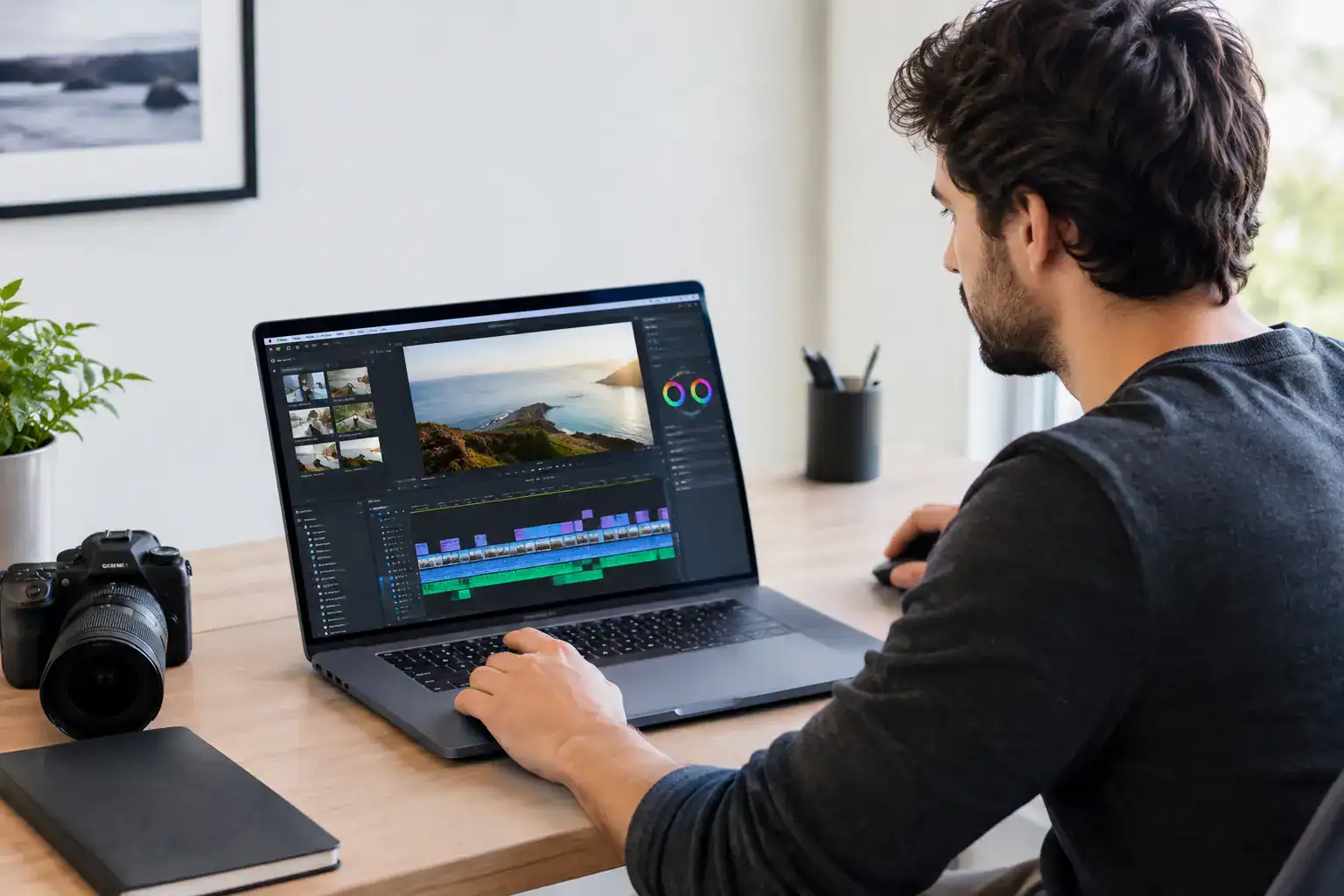
Your software stack should support your service level, not drain your budget. CapCut can be excellent for fast short-form edits. DaVinci Resolve offers impressive capability, especially for color work. Adobe Premiere Pro is widely used in agency and creator workflows, while Final Cut Pro can be a fast choice for Mac-based editors. The best tool is the one you can use confidently while delivering the formats your clients need.
Grow From Editor to Content Partner
Once you have a few repeat clients, look for the work sitting adjacent to editing. You might offer thumbnail coordination, clip selection, basic scripting notes, upload support, content calendars, or performance reviews. Do not add services just because they sound profitable. Add them when they solve a recurring client problem and you can deliver them well.
This is where retainers become powerful. Rather than selling one edit at a time, sell a dependable content system. A monthly package gives clients consistency and gives you more predictable income. It also lets you plan capacity, outsource parts of production later, and work toward your dream income without constantly restarting the sales process.
Your next move is simple: choose one editing offer, create one proof-driven sample, and put it in front of people who already need content. Anyone can start, learn, and thrive in this field, but the freelancers who build lasting momentum treat every edit as a service business, not just a file delivery.