

This post may contain affiliate links. If you use these links to buy something we may earn a commission at no extra cost to you. Thank you for your support!
A blog can do more than make your freelance website look active. It can answer client questions before a discovery call, demonstrate your expertise, and bring the right people to your services month after month. The best blogging website builder is the one that helps you publish consistently while making it easy for a potential client to understand what you do, trust your work, and contact you.
That is a different standard from choosing a website builder for a hobby blog. Freelancers need a platform that supports content marketing and sales: service pages, portfolio samples, lead capture forms, clear calls to action, and enough flexibility to grow with your income.
What freelancers need from a blogging website builder
A beautiful template is nice, but it should not be the deciding factor. Your website has a job to do: turn your skills into paid opportunities. If you offer copywriting, social media management, web design, virtual assistant services, or paid ads, your blog should lead naturally toward those offers.
Start by looking at how easily the builder lets you create dedicated pages for each service. A general page that says “I help businesses grow” rarely converts as well as focused pages such as “Email Copywriting for Ecommerce Brands” or “Monthly LinkedIn Management for B2B Founders.” Your blogging platform should make those pages easy to build and update without needing a developer every time.
You also want reliable blogging basics: categories, tags, featured images, mobile-friendly layouts, search engine settings, and the ability to add calls to action inside posts. A reader who lands on an article about hiring a video editor should be able to see your editing packages, review your portfolio, and send an inquiry without hunting around the site.
Finally, think about the business you are building a year or two from now. Switching platforms after you have published 80 articles, built landing pages, and collected email subscribers is possible, but it is a headache lah. Pick a tool that meets your current budget without boxing you into a tiny version of your future business.
Keeping that future in mind is what separates the best blogging website builder for your business from the one that simply looks easiest today.
Best blogging website builder options by business goal
There is no single winner for every freelancer. The right choice depends on whether you value speed, design control, content flexibility, or an all-in-one sales setup.
WordPress.org: best for long-term SEO and control
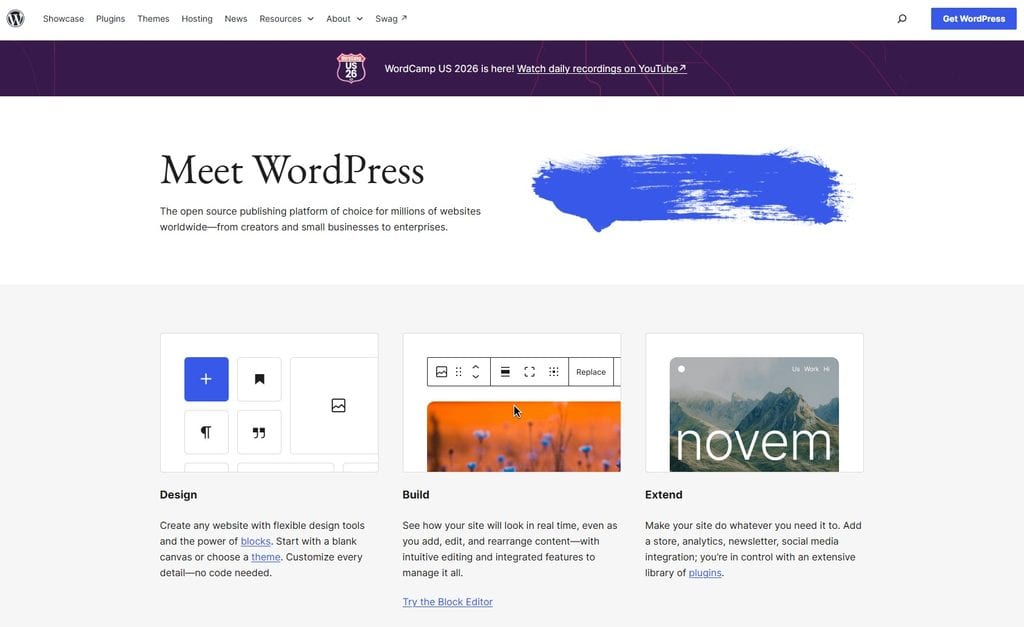
WordPress.org is still the strongest choice for freelancers who plan to use blogging as a serious client acquisition channel. It gives you ownership over your site, deep control over structure and design, and a huge range of tools for forms, email marketing, search engine optimization, scheduling, memberships, and more.
This is not the same as WordPress.com. With WordPress.org, you buy hosting separately and install the software on your own domain. That creates a slightly bigger setup job, but it also gives you far more freedom as your business grows.
For a freelance writer, SEO specialist, or consultant planning to publish regular keyword-focused content, that flexibility pays off. You can build topic clusters around the services you want to sell, optimize every page, and add functionality as needed. An agency can also use WordPress to create location pages, case studies, team profiles, and lead magnets without rebuilding the entire site.
The trade-off is maintenance. You are responsible for updates, backups, security, and choosing compatible plugins. It is manageable, especially with quality hosting and a simple tech stack, but WordPress is not the fastest option for someone who wants a website live this weekend with zero decisions.
This is where your hosting choice matters more than people expect. Managed hosting like BigScoots handles speed, security, and updates for you, which removes most of the maintenance worry that makes freelancers hesitate about WordPress in the first place.
Squarespace: best for creative service providers
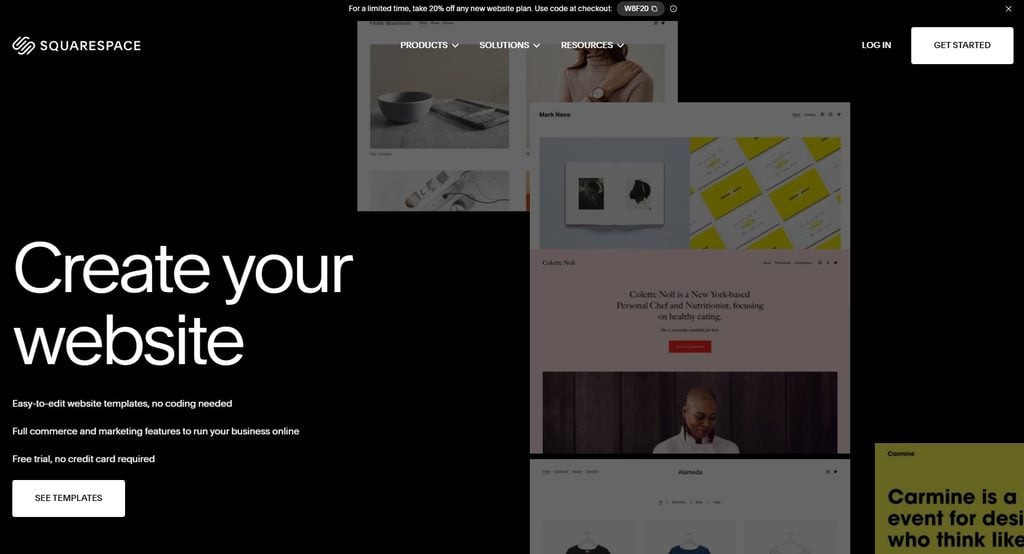
Squarespace suits designers, photographers, content creators, coaches, and brand-focused freelancers who want a polished site without touching code. Its templates are attractive out of the box, and it makes it straightforward to combine a portfolio, service pages, blog, contact form, and basic email collection in one clean website.
For a freelance graphic designer, your visual work carries a lot of the sale. Squarespace helps you present that work professionally while keeping blogging simple enough to maintain. A photographer can publish helpful posts about preparing for a brand shoot. A web designer can share website teardown articles that lead into a design audit offer.
Where Squarespace can feel limiting is advanced customization and large-scale content operations. It works well for a focused blog and a service business, but freelancers publishing dozens of detailed SEO articles may eventually want more control over content templates, technical optimization, and integrations. Think of it as a strong brand-first platform with solid blogging, rather than a content publishing machine.
Wix: best for getting online quickly
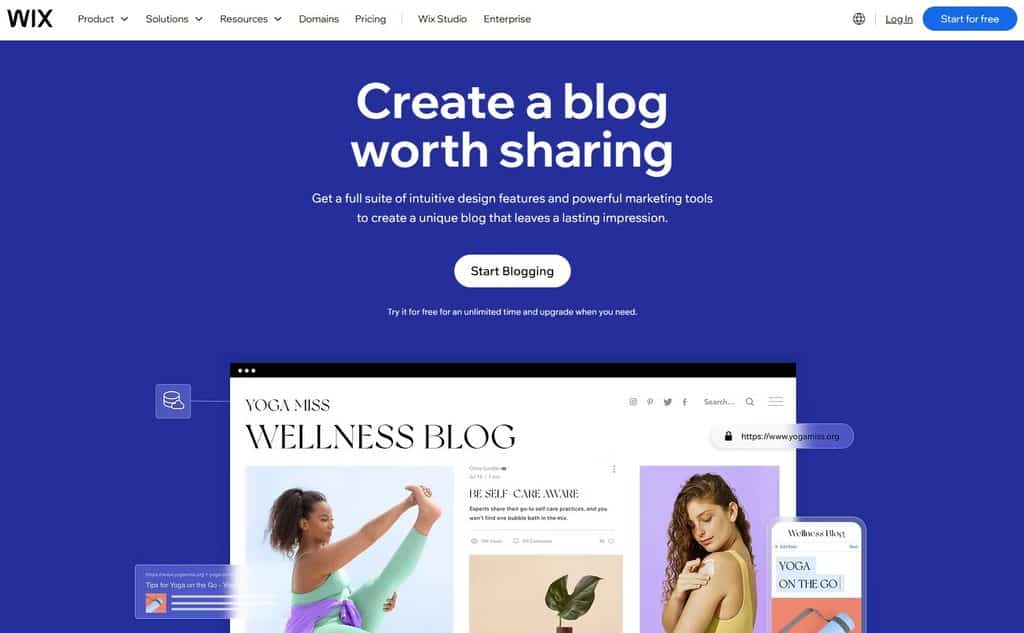
Wix is a practical choice when speed matters most. Its drag-and-drop editor is beginner-friendly, and you can launch a site with service pages, booking options, forms, a portfolio, and a blog without piecing together multiple tools.
This makes Wix useful for local and remote service providers who need a credible online home now. A virtual assistant can create packages, post articles that address common delegation problems, and add an inquiry form in a single afternoon. A tutor, consultant, or social media manager can do the same without paying for custom development.
Wix has improved its search engine optimization features significantly, but it still may not be the first pick for a content-heavy business with ambitious organic traffic goals. If your plan is to publish one or two useful articles each month while referrals and outbound outreach drive most of your leads, Wix can be more than enough. If content will become your main growth engine, compare it carefully with WordPress before committing.
Webflow: best for advanced design and premium positioning
Webflow is powerful for web designers, developers, and established service businesses that want highly custom pages without relying on traditional code for every change. It offers exceptional visual control and can produce a premium website experience that supports higher-ticket positioning.
A conversion-focused designer might use Webflow to create sophisticated case study pages, interactive portfolio sections, and tailored landing pages for specific offers. That level of control can help an agency look very different from the sea of generic template sites.
But Webflow has a steeper learning curve, and its content editor can be more than some solo freelancers need. If building the site starts taking time away from pitching, serving clients, or improving your core skill, pause. Your website should support your business, not become a second full-time job.
Ghost: best for writers building an audience
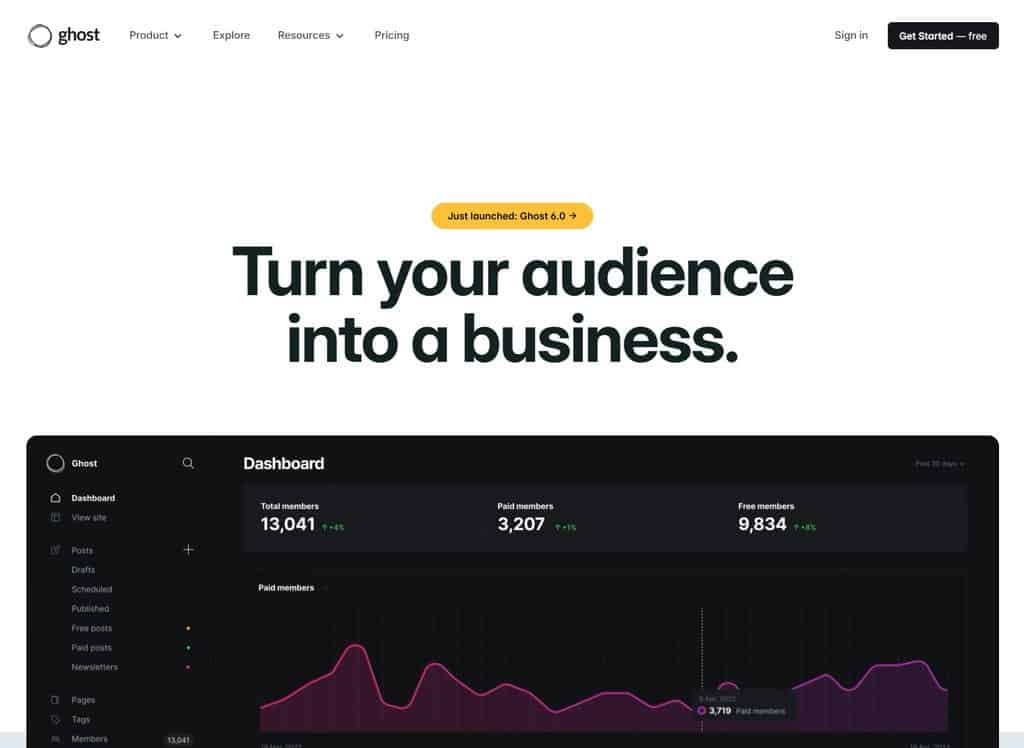
Ghost is a clean, fast publishing platform built around writing, newsletters, and memberships. It is an excellent fit for freelance writers, journalists, niche consultants, and educators who want their articles and email list to sit at the center of their business.
Its focused interface makes publishing pleasant, and paid membership features can be useful if you plan to sell premium research, a private newsletter, or educational content. A B2B writer, for example, could use a public blog to attract clients while gradually building a paid industry briefing.
The limitation is that Ghost is less flexible as a traditional service-business website. You can create pages and build a professional presence, but it does not offer the same ecosystem for custom functionality as WordPress. Choose Ghost when publishing and audience ownership are your primary plays, not when you need a highly complex portfolio or funnel.
| Platform | Best for building | Fit for who | SEO savvy | Key strength |
| WordPress.org | Keyword-focused content, topic clusters, service and location pages | Writers, SEO specialists, consultants, and agencies using blogging as a client-acquisition channel | Excellent | Full ownership and control, with a huge plugin range to expand as you grow |
| Squarespace | Portfolio-led sites with a simple, focused blog | Designers, photographers, coaches, and brand-focused freelancers | Excellent | Polished, professional templates with no code needed |
| Wix | Quick service sites with booking, forms, and a light blog | Local and remote service providers who need to get online fast | Moderate | Beginner-friendly drag-and-drop that launches in an afternoon |
| Webflow | Custom, design-heavy pages and premium landing pages | Web designers, developers, and established businesses wanting premium positioning | Excellent | Exceptional visual control that stands out from template sites |
| Ghost | Articles, newsletters, and paid membership content | Writers, journalists, and niche consultants building an audience | Excellent | Fast, clean publishing with newsletters and memberships built in |
How to choose without overthinking it
Make this decision based on your next revenue milestone, not every feature you might possibly need someday. If you need to launch a service site this month and your brand is visual, Squarespace or Wix is a sensible move. If you are committing to SEO content as a major lead source, start with WordPress.org. If your business sells premium design work and you have the skills or budget to support it, Webflow can strengthen your positioning.
If SEO content is your growth plan, pairing your site with a blog-focused tool like RankIQ helps you target low-competition keywords and structure posts that actually rank, so your publishing effort turns into qualified traffic faster.
Before paying for any annual plan, test three things. Create a draft blog post, build a service page, and add a contact or lead-capture form. Those are the actions you will repeat. If they feel confusing now, they will not magically become fun after launch.
Also consider the client journey. Every post should have a next step that matches the reader’s intent. Someone reading about email marketing strategy may be ready for an audit. Someone comparing project management tools may want your setup service. Someone browsing your case studies may be ready to book a call. Build those paths into your website from day one.
Build the site around your offer, not the software

A website builder will not create demand for vague services. The strongest freelance sites are clear about who they help, what outcome they provide, and how a prospect can take action. Your platform matters because it makes that message easier or harder to communicate, but your offer is still doing the heavy lifting.
That is worth remembering before you obsess over finding the best blogging website builder: the platform amplifies a clear offer, it does not replace one.
Pick a builder you can confidently use, publish your first few client-focused articles, and improve from real data. You do not need the fanciest site to work from anywhere and earn your dream income. You need a useful site that gives good-fit clients a reason to trust you and an easy way to hire you.