

This post may contain affiliate links. If you use these links to buy something we may earn a commission at no extra cost to you. Thank you for your support!
Someone on TikTok says you can start freelancing with zero money, your phone, and good vibes. Someone else says you need a premium laptop, paid software, a polished website, and a full personal brand kit before you can pitch your first client. So, is freelancing actually free?
Not exactly. But it also does not need to be expensive.
The better answer is this: freelancing can be started very cheaply, especially if you sell a digital service and use what you already have. The real cost depends on what service you offer, how fast you want to look established, and whether you are paying with money, time, or both.
In recent years, more people have made the jump from a full-time job to running their own freelance business — or at least started it as a side hustle while still employed. Software developers, freelance writers, graphic designers, virtual assistants, data entry specialists, content creators, social media managers — they all started somewhere. And most of them did not start with a big budget.
Is Freelancing Free or Just Low-Cost?
For most people, freelancing is low-cost, not free. There is no franchise fee, no office lease, and no need to hire a team before you land your first project. That is why starting a freelance career is one of the most accessible ways to build income, especially for remote workers and self-employed individuals who want flexibility over a traditional employment contract.
But free and low-cost are not the same thing. Even if you spend nothing on day one, you are still investing something. Usually that means time — time to learn a specific skill, create samples, set up your profile, send pitches, and manage client work. If you already have a laptop, internet access, and a marketable skill set, your cash costs can stay very low. If you need to build all three from scratch, the path is still possible. Just not truly free.
This matters because a lot of beginners ask the wrong question. Instead of asking ‘is freelancing free?’, ask: what is the cheapest, smartest way to start without making yourself look unprofessional?
The Real Costs Behind Freelance Work
Equipment and Internet Access
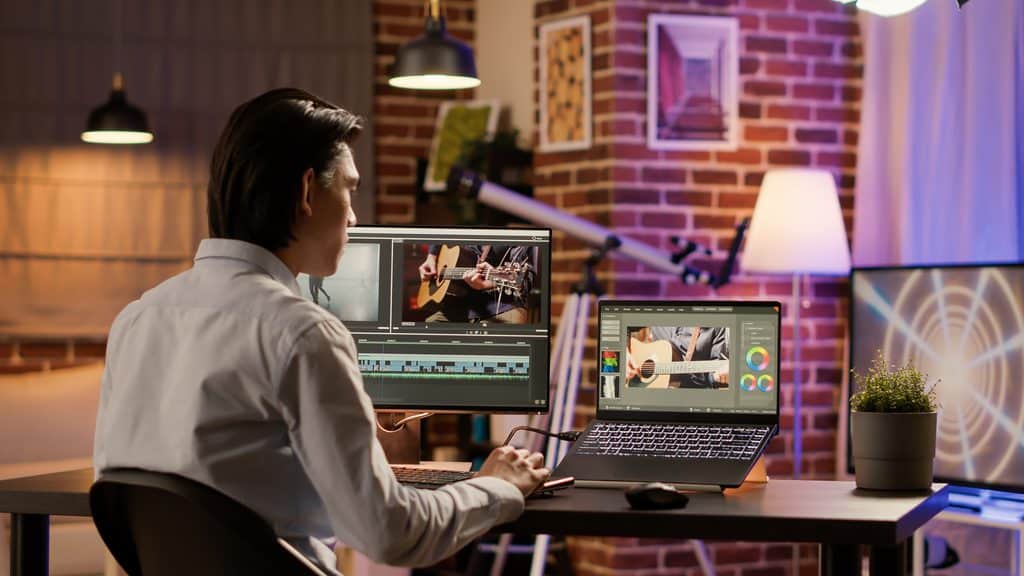
The biggest startup cost is often equipment. If you already own a decent laptop and have stable internet access, you may not need to buy anything right away. But if your device is slow, unreliable, or only works for basic browsing, that becomes a business problem fast.
A freelance writer can get by with less than a video editor or web developer, so your service type changes the math. Software developers and those doing web development need more processing power than someone handling content writing or administrative tasks. Know what you need before you spend.
Software and Tools
Software is where new freelancers tend to overspend. They think they need every paid tool immediately — design platforms, project management apps, invoicing software, scheduling tools, grammar checkers, cloud storage, and a full website build — before they have even landed their first client.
In reality, most of these tools have free plans or free member tiers that work perfectly well when starting out. A new freelancer does not need a paid plan on everything from day one. Start with free, upgrade when clients and cash flow justify it.
Platform Fees and Transaction Fees
If you work through platforms like Upwork or Fiverr, they take a cut of your earnings. If clients pay through Stripe or PayPal, there are transaction fees on top of that. These are not massive startup costs, but they affect your margins. If you price too low and ignore the fee structures, you can end up doing a lot of freelance work for very little actual income.
Understand the platform’s fee structure before you commit to your own rates. Some platforms charge flat fees, some charge percentage-based fees, and some have different rates depending on whether you are on hourly projects or fixed-price projects.
The Hidden Cost: Unpaid Setup Time
There is also the cost nobody wants to count — unpaid setup time. Creating portfolio samples, learning clear communication protocols, writing proposals, revising your scope of work, and figuring out your systems all take hours before any money comes in.
That does not mean freelancing is a bad deal. It just means your early investment may be more sweat than cash. Time management becomes one of your most important skills before you even take on your first client.

What Services You Can Start with Almost No Money
So is freelancing free, can it be? Some freelance services are easier to launch on a tiny budget than others. Here are good examples of work categories that require minimal startup costs:
Content writing and copywriting — Google Docs, a free Grammarly account, and a Google Drive folder for your past work samples. That is enough to start.
Virtual assistant work — Administrative tasks, human resources support, data entry, email marketing coordination, and calendar management can all be done with tools you likely already have.
Social media management — A phone, internet access, a free Canva account, and basic knowledge of platforms is enough to pitch small businesses and business owners who need help with their social media presence.
Basic web design and web development — Beginners can start with free tools and open-source platforms before investing in premium software. Your first website build does not need to be on an expensive stack.
Search engine optimization — SEO and digital marketing services need more knowledge than equipment. If you understand how search results work and can show examples of your work, you can start pitching with very little upfront cost.
Email marketing — Tools like Mailchimp have free tiers for beginners. This is a great way to get into digital marketing without heavy software costs.
Where costs rise is with services that need stronger hardware or specialized tools. Video editing, animation, advanced software development, and high-end graphic design often require more processing power, paid subscriptions, and asset libraries. These are not bad choices. They just are not the most budget-friendly entry point if cash is tight right now.
Who Is Actually Freelancing Successfully?

It helps to know what the market looks like so you can position yourself properly.
Full-time freelancers across creative services, software development, content writing, social media management, and web design are earning well — but they built a client base over time. They did not start with global brands and higher rates. They started with small businesses, took on specific tasks, delivered good work, and built from there.
Independent contractors in fields like real estate marketing, interior designers needing virtual support, and health and wellness businesses are increasingly turning to freelancers rather than hiring full-time employees. That is your market demand right there.
Data entry specialists, virtual assistants, and social media managers tend to have the easiest time getting their first freelance projects because the barrier to entry is lower and the pool of potential clients is wide. If you are new and building your experience level, these are a good place to start before moving into higher rates and more complex project requirements.
When “Free” Actually Costs You More
Trying to keep your freelance business completely free can backfire.
If your internet keeps dropping during client calls, if your laptop crashes while exporting files, or if your free tools leave watermarks on deliverables — you lose trust fast. Clients do not care that you are being frugal. They care whether the work gets done properly, on time, and without poor quality excuses.
There is also a credibility issue. You do not need a fancy logo or a polished website to get your first client, but you do need to look like you take the work seriously. A clear portfolio showing examples of your work, professional communication, and a defined process matter more than expensive design.
Sometimes spending a little saves you a lot of friction. A bad experience from poor quality output does not just lose you one client. It can cost you future projects, referrals, and your reputation as a service provider.
That is why the goal is not zero spending at all costs. The goal is spending where it improves delivery, credibility, or efficiency.
A Lean Way to Start if Money Is Tight
If you want to launch without overspending, keep your setup boring and effective haha!
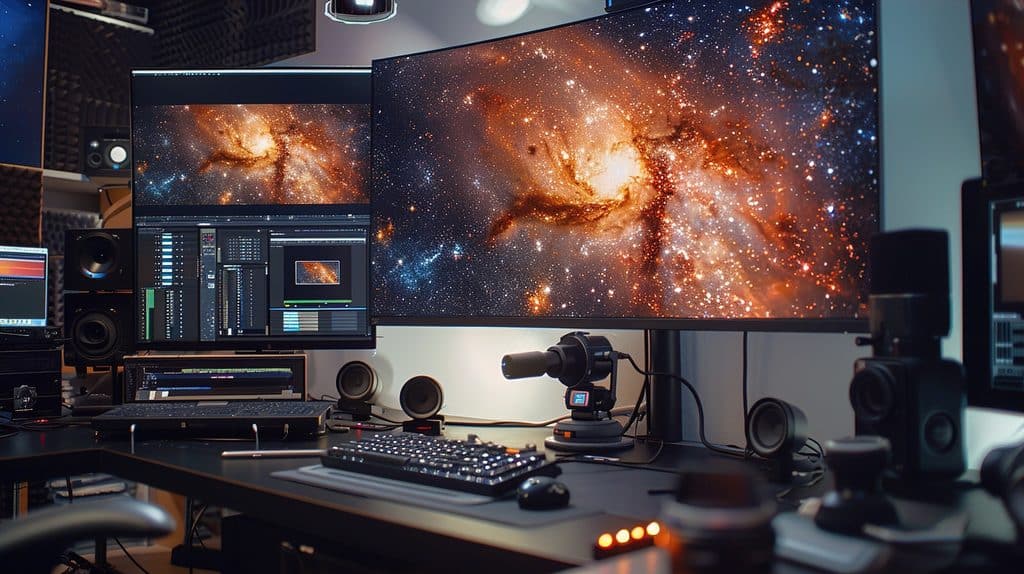
Use the computer you have if it works well enough. Don’t spend on both hardware and software that you do not need yet. Choose a specific skill you can deliver confidently or learn quickly. Pick your target market first, so every move you make is pointed at the right people. Use free tools for writing, design mockups, meetings, and file storage.
Create two to four strong portfolio samples — case studies of your best work, even if they are for imaginary clients — instead of obsessing over a full website. A simple LinkedIn profile or a profile on a freelance platform can do more for early client acquisition than a polished website nobody sees yet.
If you are doing direct outreach, a clean PDF portfolio or Google Drive folder is enough for next steps. Many new freelancers delay income because they are building a business aesthetic instead of actually selling a service.
This is where a lot of side hustlers waste money, lah. They buy domains, templates, online courses, and software subscriptions before validating whether anyone even wants their offer. Better move: get one paying client first, then upgrade based on real needs.
What You Probably Cannot Skip
Even on a tight budget, a few things are worth spending on from the start:
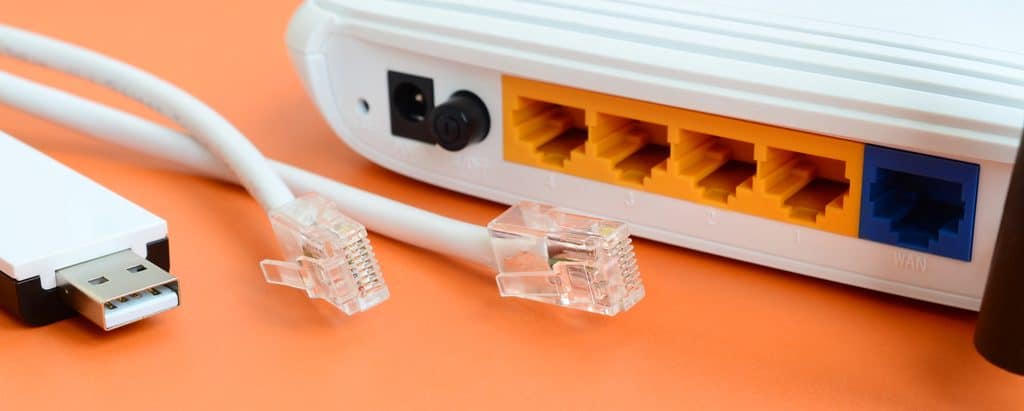
Reliable internet access. This is non-negotiable for remote workers. Slow or unstable internet affects your ability to deliver, communicate, and show up professionally.
A working device. Your laptop or computer does not need to be new, but it needs to be reliable enough to handle your specific tasks without constant issues.
A bank account that can receive payments. Sounds obvious, but sort out how you will get paid before you pitch clients. If clients pay internationally, understand the transfer and transaction fees involved so you can price accordingly. Platforms like PayPal are common, but check the costs first.
Basic financial security awareness. Unlike full-time employees, independent contractors do not get sick pay, health insurance, or a guaranteed salary. There is no employment contract protecting your income. Build a buffer before you rely on freelancing as your main income, especially if you are transitioning from a full-time job.
What Experienced Freelancers Spend On and Why
Once money starts coming in, the spending decisions change. You are no longer asking, can I start for free? You are asking, what will help me earn more, save time, or deliver better work?
That is when paid tools start making sense. A freelance writer might pay for research and grammar tools. A graphic designer may upgrade to Adobe. A social media manager may invest in scheduling software. A virtual assistant may use a CRM or project management tool to handle multiple clients across different projects. A web developer might invest in hosting, premium plugins, or development tools that speed up their website build process.
These are business expenses tied to output and client experience, not random shopping.
There is also a strong case for investing in education. If an online course helps you package your service better, raise your rates, or improve your skill level, that is worth more than another software subscription. The key is buying solutions for actual business bottlenecks — not buying because you feel behind or because someone on the internet told you it is the right choice.
The Financial Reality: Earning Potential vs. Risk
Freelancing offers earning potential that a fixed salary cannot always match. When you set your own rates, charge for your years of experience, and build a strong client base, your income ceiling is higher than most full-time employees in the same field.
But there is a tradeoff. You are trading financial security, sick pay, health insurance, and additional benefits for flexibility and control over your own terms. That is a real consideration, especially early in your freelance career when your client base is still small and income can be inconsistent.
The earning potential is real. So is the risk. Being honest about both is how you make a smart decision about whether freelancing is the right choice for where you are right now.

So, Is Freelancing Free for Beginners?
If we are being honest, freelancing is rarely 100% free. There is almost always some cost in equipment, software, internet access, payment processing, or learning time. But compared with most businesses, it is still one of the cheapest ways to start earning online.
You do not need a huge budget to build a real freelance business. You need a specific skill that people want to pay for, a way to show your best work, and enough reliability to do the job well. Everything else can be improved as you grow.
For beginners, the smartest approach is to start lean and stay intentional. Spend the minimum needed to look professional and deliver properly. Skip the extras until clients and cash flow give you a real reason to upgrade.
For full-time freelancers who have been in the game a while, the question becomes more strategic. Not ‘is freelancing free,’ but ‘which expenses increase my earning potential, improve client retention, or support a higher-value offer?’ That shift in thinking is what turns a side hustle into a freelance business that actually runs on your own terms.
If you are waiting for the perfect budget before you begin, do not. Start with what you have. Make one smart move at a time. Let your freelance business fund the next level.
Good luck — but honestly, if you have read this far, you probably do not need it. You already know more than most people who just jump in blind.